Delivery Kid

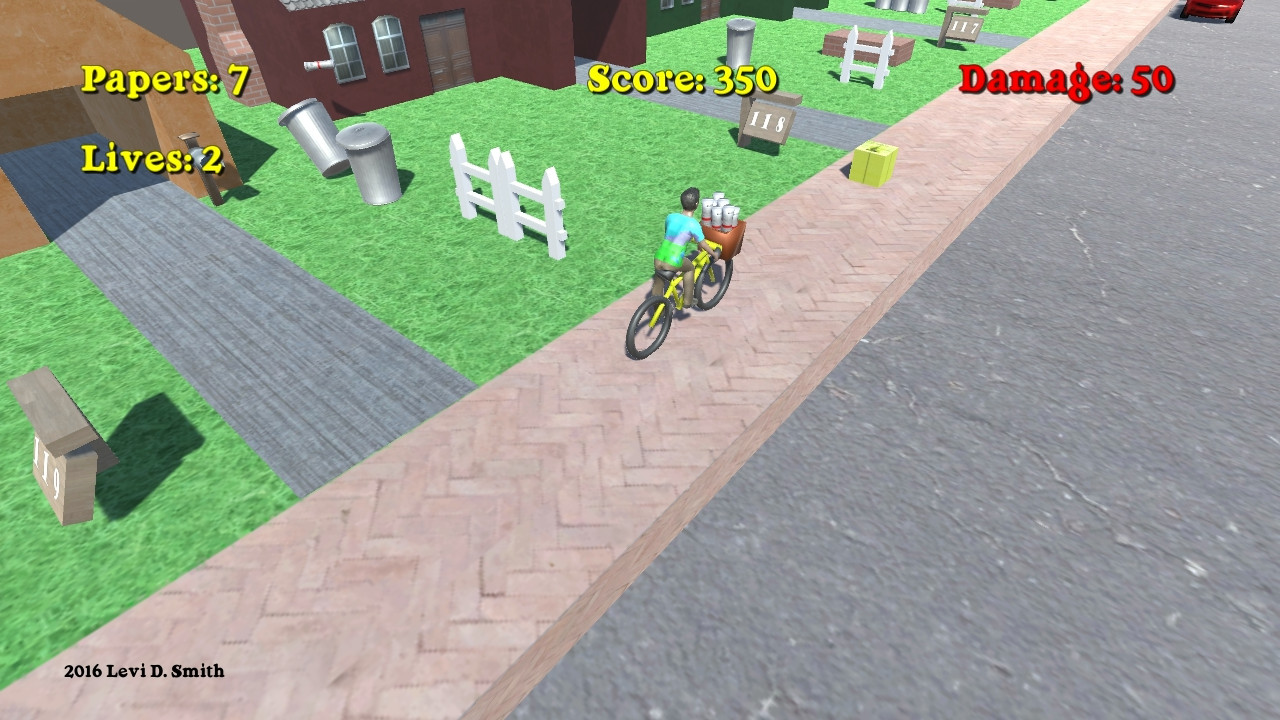
Delivery Kid is a game with classic arcade gameplay.  Deliver newspapers to all of the subscribers.  Avoid hitting obstacles or the delivery kid will be fired.  Break windows and topple garbage cans for bonus score.  Are you good enough to complete deliveries through the entire week?

Game Design

For this game, I am analyzing the gameplay of the source material and will attempt to implement that gameplay in a 3D world using Unity.  I am documenting my thought process before I implement each component in order to capture all of the game’s rules in writing.  First of all, I identified all of the objects in the game, and I implemented those objects with primitive 3D Unity objects..

Player – The player will be represented by an object with a capsule collider.  The capsule collider will allow the player to smoothly move up ramps and other objects.  The player will move forward in the world Z axis at a constant rate.  If the user presses up on the controls, then the player will move faster.  If the user presses down on the controls, the the player will move slower, but not completely stop.  The camera will be parented to the player, so that the camera always follows the player.

The player will have a Rigidbody so that it responds to physics, and the X and Z rotation axes will be frozen.

The player starts with three lives.  One life is deducted whenever the player collides with a house or enemy.  The game is over when the player’s available lives falls below zero.  The number of player lives will be displayed on the screen.

The player will have a Playmaker FSM with one state that controls the player movement, using the Get Axis Vector action which stores the user’s input into a Vector3 variable.  The player’s location is then translated by that vector in world coordinates.

House – There will be various houses placed in a row on the right side of the bounding box.  The objective will be to deliver newspaper to the target houses.  Target houses will have a brighter color to differentiate them from the other houses.  Each target house will have a mailbox.  The house will initially be implemented with a box collider, with a short box trigger surrounding it for the yard.  If the player fails to deliver the newspaper to the target house, then it will no longer be a target house on the next level.

Newspaper – The objective is to throw newspapers so that they land in the yard trigger area of the target houses.  The player will throw newspapers in the negative X axis towards the houses by pressing an action button on the keyboard, gamepad, or mouse.  Some force will need to be applied to the newspaper in the positive Z direction, since the majority of the screen is filled with the world in front of the player.  The Z force could possibly be based on how fast the player is moving forward.  Newspapers can also be used as weapons to stun enemy characters.  The newspaper will contain a sphere collider.

The player starts with a stock of 10 newspapers.  One is subtracted whenever a newspaper is thrown.  The player cannot throw any newspapers when their stock is zero.  The number of newspapers in the players stock will be displayed on the screen.

Newspaper Refill – The newspaper refill object will set the player’s stock back to 10 newspapers.  Newspaper refills will appear randomly next to houses.

Mailbox – One mailbox will be available for each target house.  Bonus points are awarded for landing a newspaper in the mailbox.  The front of the mailbox will have a box trigger.  When a newspaper enters the trigger, then the newspaper will stop moving by setting the kinematic value to true.  The mailbox will also have a regular collider that surrounds the mailbox object.

LevelManager – There will be a set number of houses for each level.  After the player passes the final house, the level is completed.  The Level Manager will instantiate the player when the level starts.  At the start of each level, the LevelManager will instantiate the Player object.

For the first level, the LevelManager will instantiate twenty houses.  Ten random houses will subscribers and the other ten houses will be non-subscriber houses.  The subscriber information will be stored in an array of booleans.  During the game, another boolean array will track which houses have been delivered a paper.  The index for that house will have their delivery set to true if a newspaper is delivered to the mailbox or delivery area.  After the level, the subscriber array will be compared with the delivery array.  Any subscriber who did not get a delivery will be set as a non-subscriber.  The game is over if all houses become non-subscribers.

If the player successfully delivers newspapers to all of the houses that are subscribers, then the player will have a perfect delivery and one of the non subscriber houses will be chosen at random and converted to a subscriber house.

The level number will start at zero and increased by one after reaching the exit object.  The level number corresponds with a day of the week, which will be displayed before the beginning of each level.

Enemies – Various types of enemies will try to attack the player.  If an enemy collides with the player, then the player loses a life.  When all player lives are lost the game is over.

Obstacles – When the player collides with an obstacle, they will lose one life.  Unlike enemies, obstacles do no move.  Below is a list of obstacles.

  • Trash Can – Originally 100 points;  I think it should be 100 breakage points for unsubscriber
  • Fence – This could be a part of the house, but I decided to make it a separate non-moving object
  • Yard Sign – Another non moving object.  It displays the house number which starts at 120 and decrements by one for every house.
  • Breakdancer and Radio – Stationary objects.  Breakdancer stops spinning if hit with a newspaper
  • Brick Barbeque – Stationary object in yard.
  • Fire Hydrant – Stationary object that is always in the sidewalk.
  • Car – Cars move in the negative Z direction in world coordinates on the road at a constant velocity.  Cars spawn at the end of the street at regular intervals.  Cars also spawn at the second and third intersections at random intervals and move in the positive X direction.
  • Jackhammer Guy – Always spawns on the sidewalk or in the road.
  • Dog – The dog chases player if player gets too close.  The dog move slightly slower than the player, giving the player the chance to escape.
  • Grates – Grates are always on the edge of the road next to the sidewalk.


Lot – The lot one is gameplay unit where one house resides.  There will be a large plane representing the ground area that is not covered by the houses.  The lot is the gameplay area where the player can move.  The lot consists of the yard around the house, the sidewalk, and the road.  This object has a plane collider to prevent the player from falling through the world.  There are also two cubes spanning the length of the lot, which are placed on the left and right side side of the ground plane, which are required to keep the player from leaving the gameplay area.  The mesh renderer and mesh filter are removed to keep the user from seeing the invisible walls.

Intersection – An intersection is a road that runs horizontally with no houses.  There is an intersection at the start of the level, and then intersections after the fifth and tenth lot.  The player will need to avoid cars in the second and third intersections.  The intersection will also have left and right boundaries to prevent the player from leaving the gameplay area.

Exit – The exit is placed after the last house, and when the player collides with the exit the game will proceed to the level complete state.  The exit is an invisible cube collider, and it must be big enough to completely block the player’s path to prevent the player from moving around it.

Score Points – Not an actual object in the world, but there will be a global variable which tracks the number of points that they player has accumulated.  Below are the point values associated with various tasks.

  • Regular paper delivery: 100
  • Mailbox paper delivery: 250
  • Hit enemy (lawnmower) with newspaper: 100
  • Hit breakdancer: 350

A separate point value is kept for breakage bonuses.  The breakage values are listed below.

  • Break window: 100
  • Break window combo: +25 for each additional window on same house (100 for first window, 125 for second window, 150 for third window, and so forth)

Videos


Released
Indie Game Booth Analysis

Yesterday, I attended the Momocon anime, comic, and gaming convention at the World Congress Center in Atlanta, Georgia.  The convention was well organized and executed for the most part, and I can honestly say that it was a more worthwhile experience than DragonCon (also in Atlanta) for me, coming from a gaming and developer background.  While DragonCon focuses on everything Sci-Fi and Fantasy, ranging from Star Wars to Lord of the Rings, Momocon has a leaning towards all things Japanese and Otaku in nature.

I mostly attended the video gaming related sessions.  The first one I stepped into was Localization of Games presented by Sam Mullen, the Localization producer for Sega of America.  His presentation shed light on many topics relating to translating Japanese games so that they can be brought to American markets.  This covered the process of working with hired translators, incorporating translated text in a game, managing the schedule to account for translation times, and analyzing the outcome scenarios when releasing a game.  He also addressed questions about whether to remain true to the idiosyncrasies of Japanese culture or Americanize the game so that it is more familiar to the American audience.

Another panel that I attended was “Breaking Into the Game Industry”.  I was really disappointed that this was mostly about writing resumes and interviews.  I was expecting a session on how to pitch your game to publishers, how to setup a gaming business, how to market your game, and other things like that.  Later in the day, I attended the Senran Kagura Panel.  While that session was really humorous, it really didn’t go into depth of the game’s development aside from the backstory of the designer Kenichiro Takaki and the design of the characters.  I also wanted to attend “One Man’s Journey Through Animation”, which was presented by Ke Jiang who worked on the PS3 game Journey.  Unfortunately, I was eating lunch during the start of that session and it was already over by the time that I had arrived.

One of the main reasons why I made the trip to Atlanta was to see the Indie game booths at Momocon.  I submitted one of my games for the Indie Game showcase, but unfortunately it was not selected.  Disappointingly, there was no visible mention of the Indie game showcase, but maybe they are presenting the winners at another time (I only attended on Friday).  There were about ten indie game booths on display which wasn’t bad, but it really paled in comparison to the comic and anime booths.  A considerable amount of space was also given to table-top gaming, LAN parties, and other competitive gaming.


Momocon Indie Games
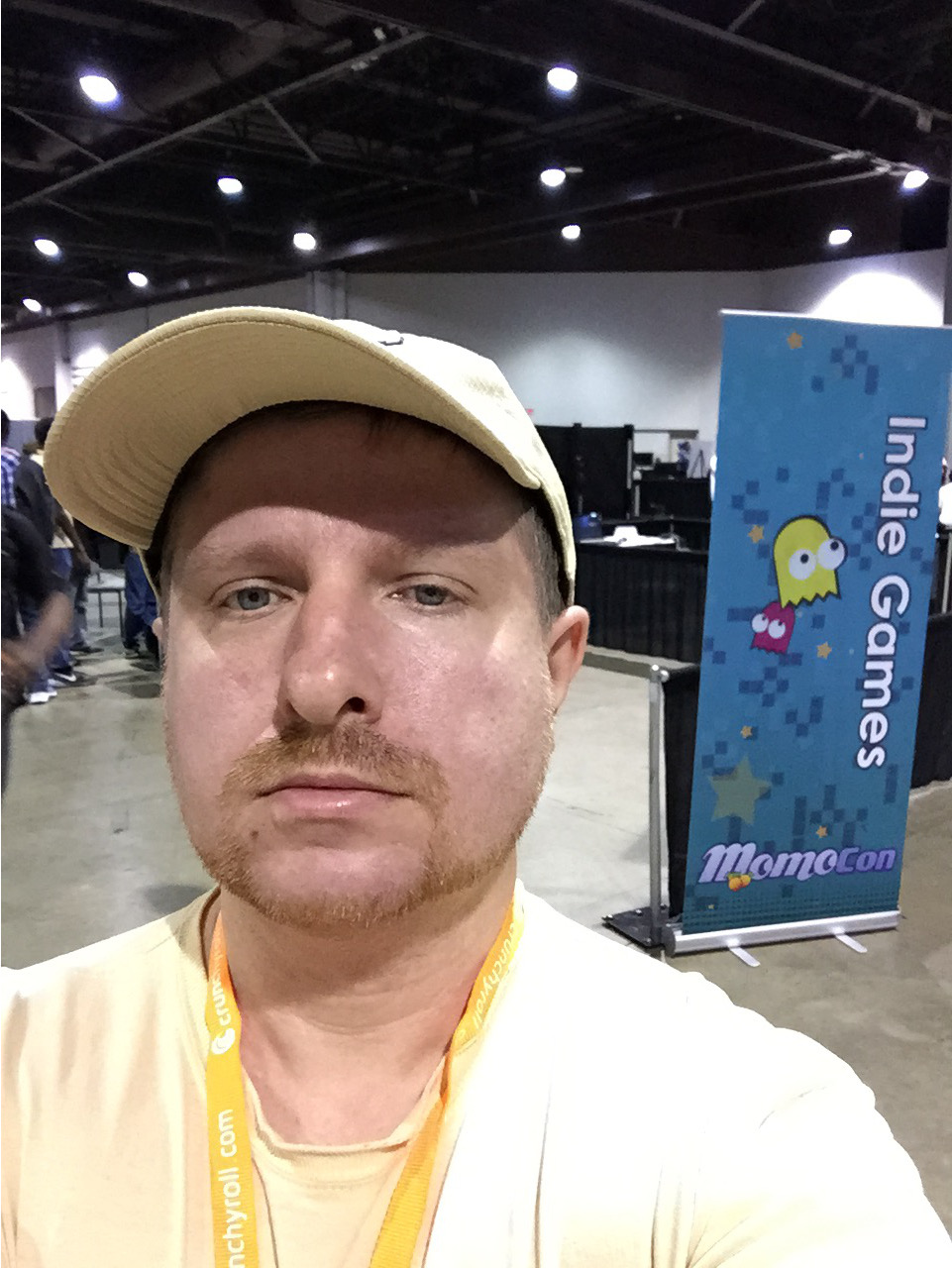
Me entering the Indie Games portion of the Momocon convention floor


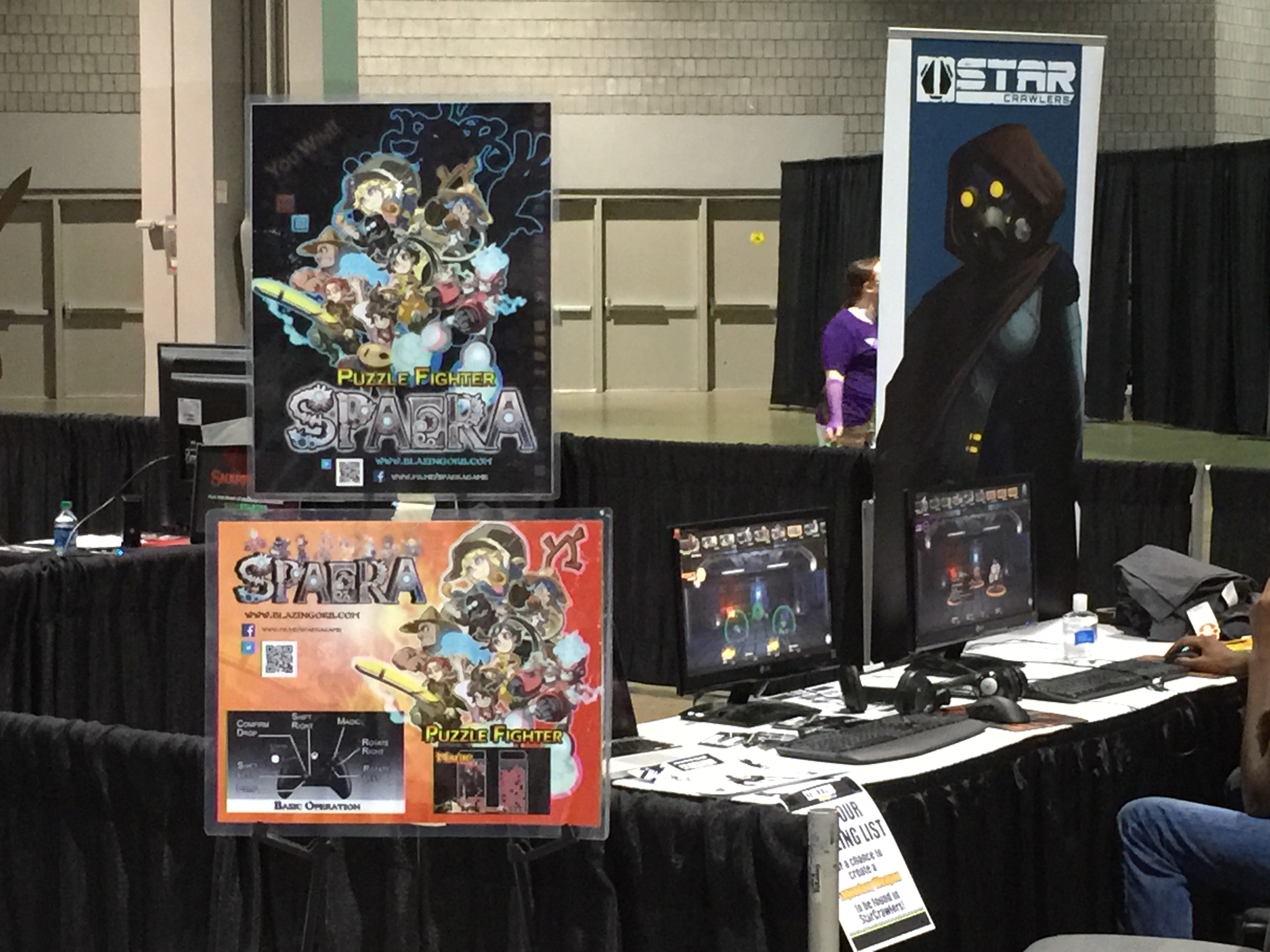
Momocon Indie Games The first games that I saw had playable demos on small screens and laptops.  I didn’t see anyone playing the laptop games.  It just seems sort of weird to sit down and start playing on a laptop that isn’t your own.  One laptop with nobody playing isn’t horrible, but when you have four empty computers sitting there it sort of gives the impression that there’s something wrong with your game.  I would recommend just having your game on one system, and if you draw a crowd, then you can always setup additional systems as needed later.  Having too many systems also makes the booth look cluttered.

One problem I saw with many booths was putting a picture of a controller with the button commands on a poster.  That is about as bad as old Playstation 1 games that would display a controller with the commands during a loading screen.  If the controls are not intuitive, then control hints should be provided in the game.


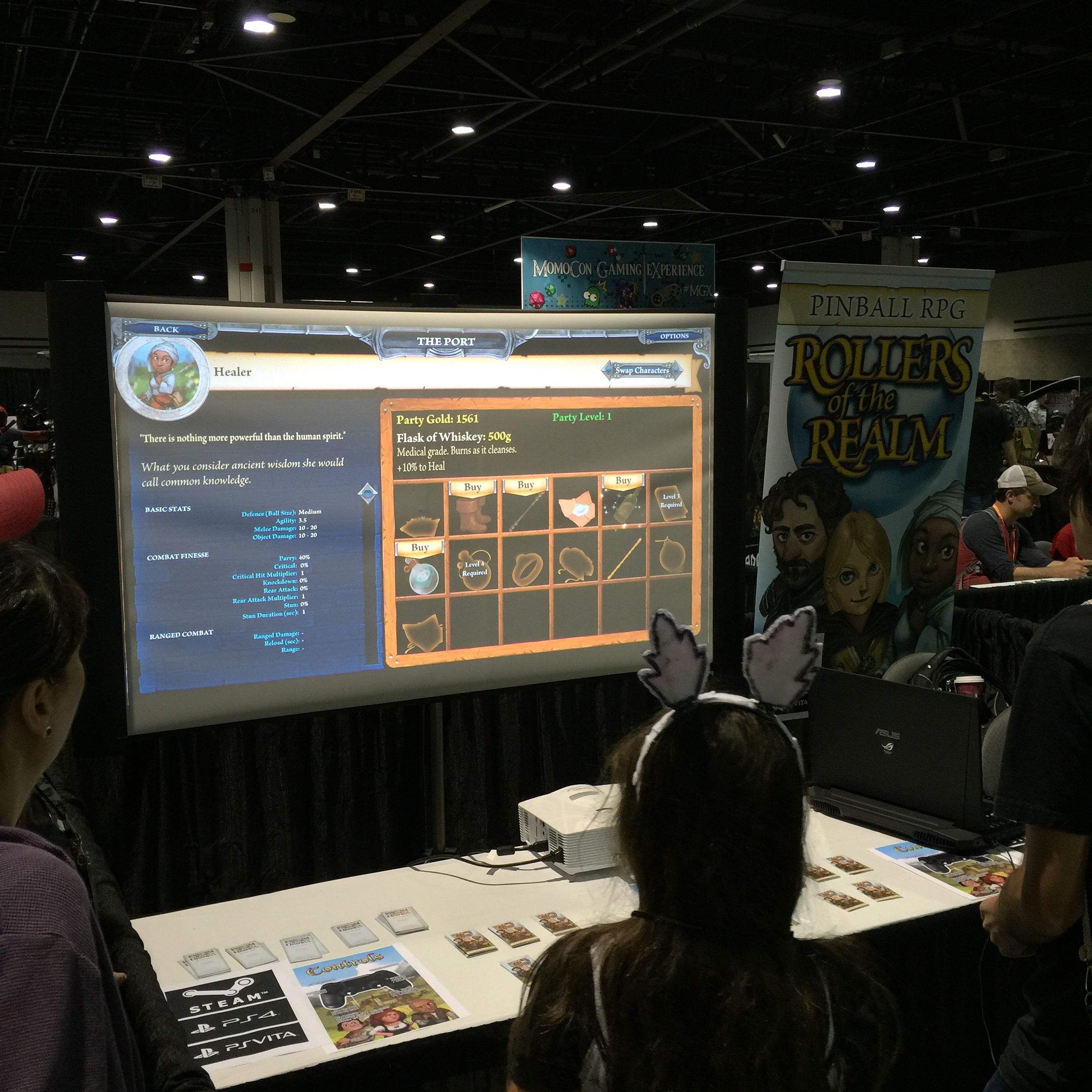
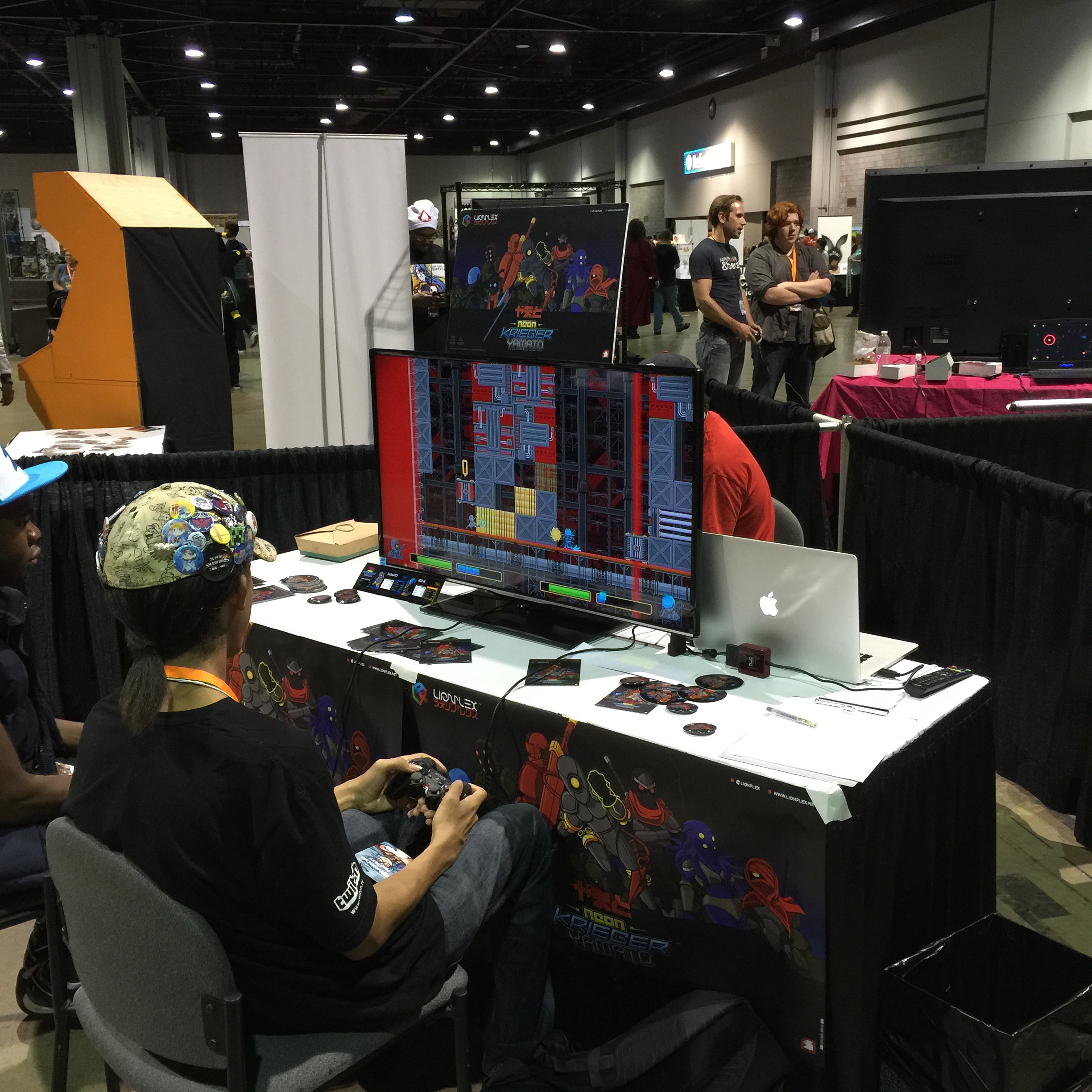
Momocon Indie GamesThis game was very popular and had an impressive display.  I could immediately see from one of their posters that the game was a cross between pinball and RPG.  I really liked the scroll banners, which were displayed at most of the indie game booths.  A quick search on the Staples website shows that you can have these custom banners made for as little as $40 and up to $70 for the larger sized banners.

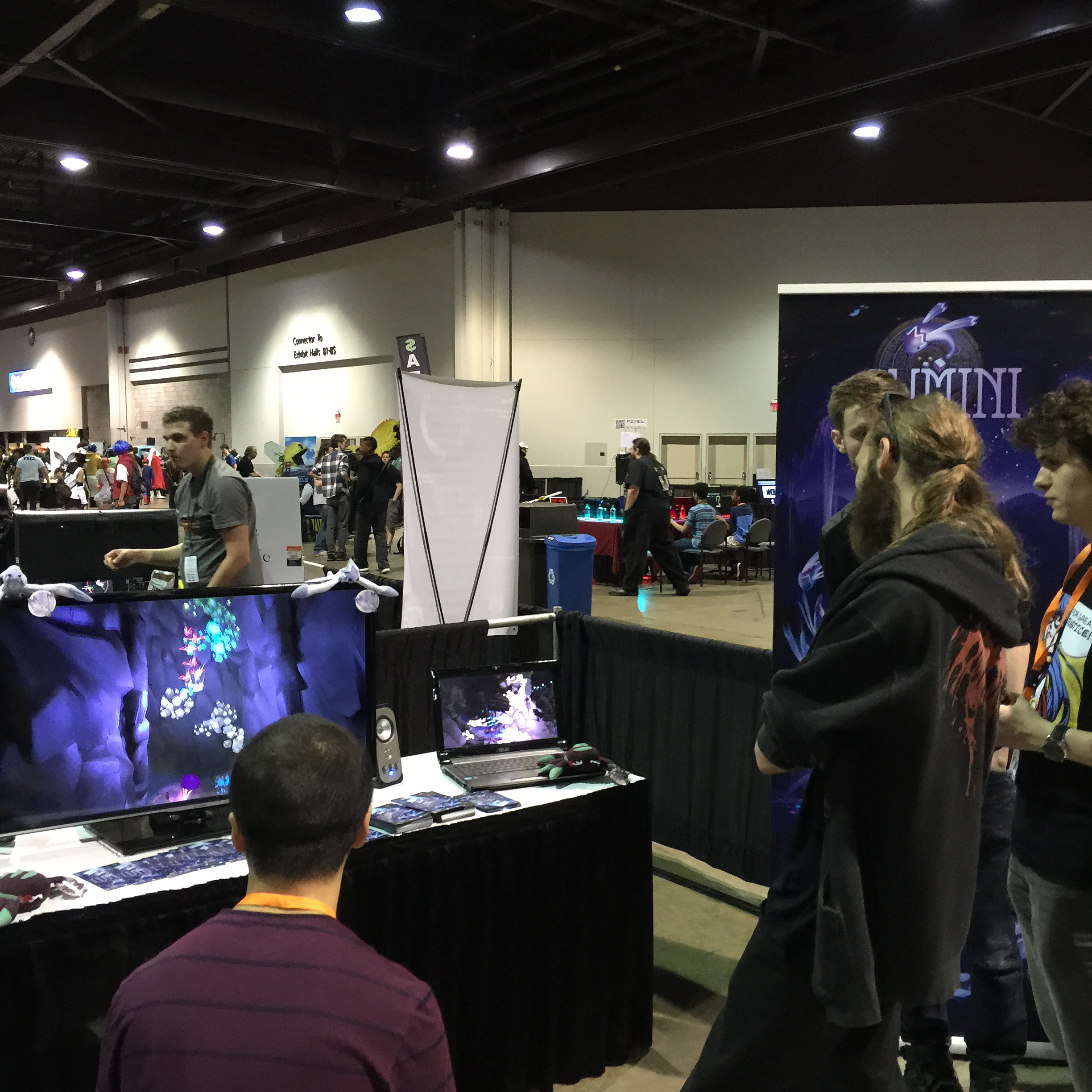
This game was displayed with a projector onto a screen.  Subconsciously, I think our brains try to convince us that things that are displayed on bigger screens are better, just based on the larger display.  After all, in these days of HD and 4K television displays, people still go to the movie theater to get that “big screen” experience.


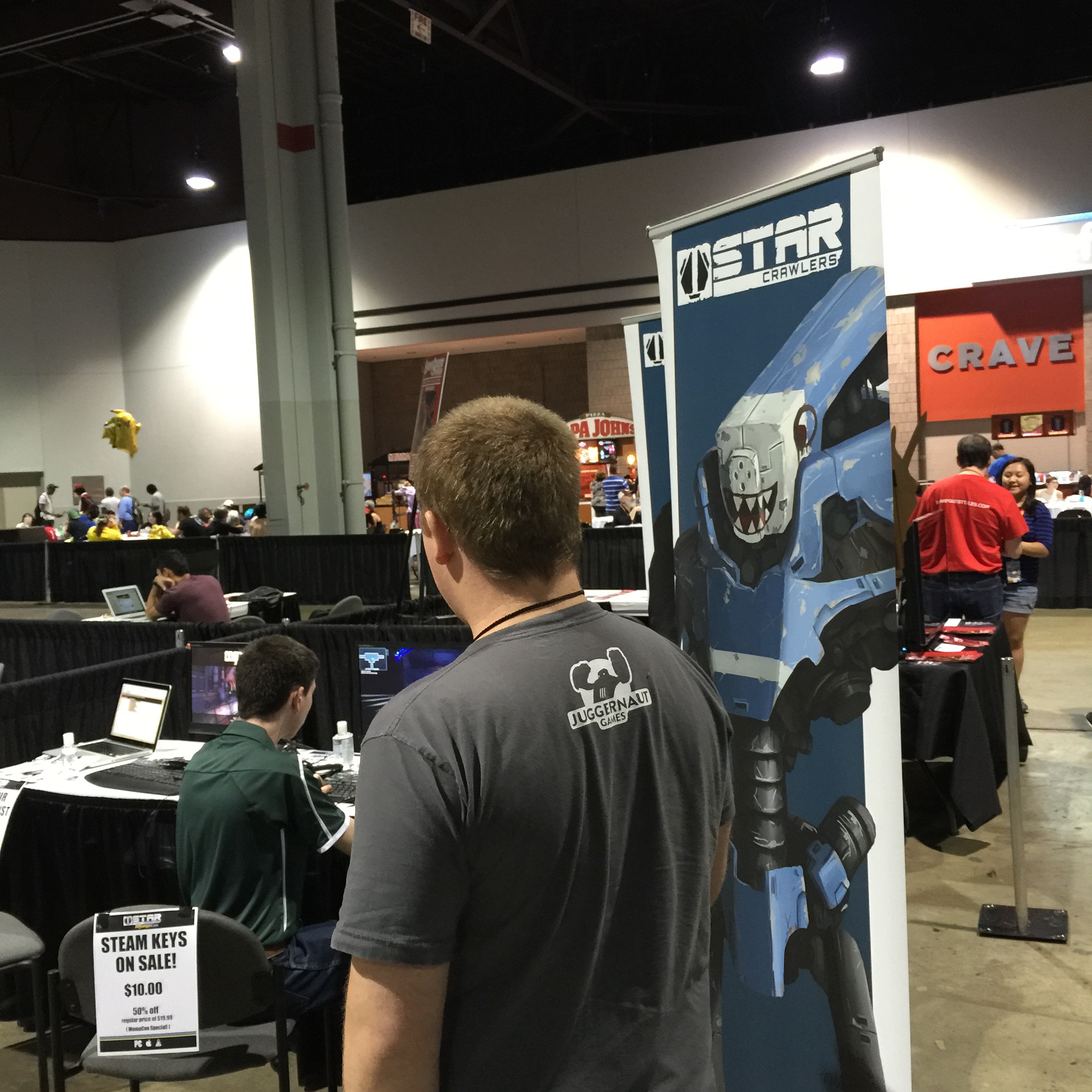
Momocon Indie GamesFor this game, I liked that they had signs offering Steam codes at a discount for those who wanted them.  It gives the player an incentive to buy the game there at the convention.  Most players will probably not even remember the name of your game when they get home, just because people are bombarded by so much information on the convention floor.  Honestly, I can’t remember the name of a single game that I saw, but I do remember the mechanics and look and feel of each of the games.  This team also had other goodies like T-Shirts for sale promoting their game which is another good way to promote your game.


Momocon Indie GamesThis was another popular indie game booth.  One of the team members approached me and gave me a business card with their information.  I think a critical part to running a booth is interacting with the onlookers, even if they are just casually passing by your booth.  I would definitely recommend greeting everyone, because you never know who could be a potential customer.


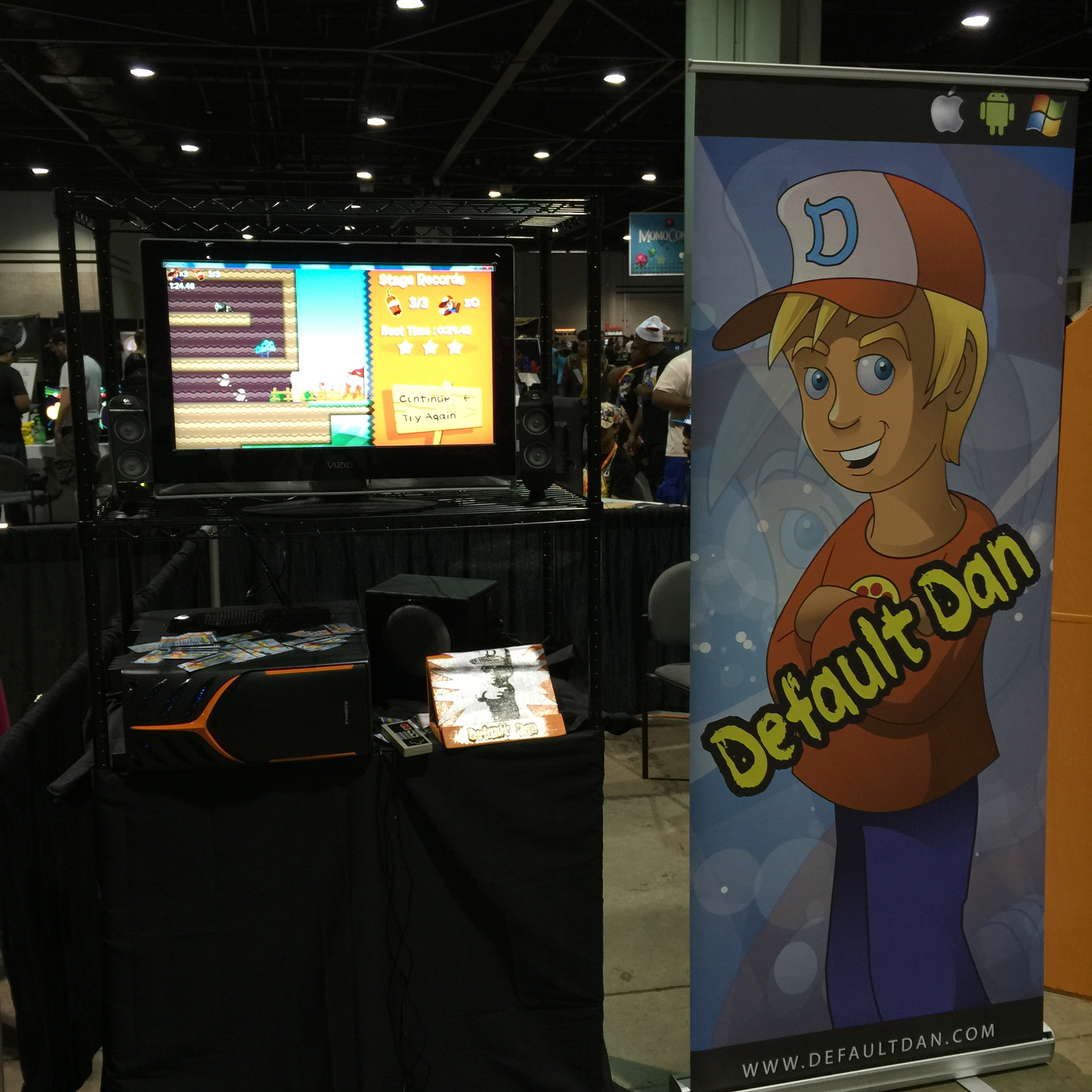
Momocon Indie GamesThis game definitely didn’t get any love while I was there.  I played it for about a minute, but couldn’t get past the first set of spikes due to a very tricky jump.  A game demo should make the player want to continue playing and not frusterate the player.  The other problem was that there wasn’t any team members running the booth.  To be fair, the people running the booth may have went to lunch or on a restroom break.  However, if I was paying $350 for a booth on the convention floor, I would want someone there at all times.


Momocon Indie GamesI liked the booths that had a company logo or game art on the front of their table.  It just makes the booth look more interesting than just having a plain cloth over the table.  I would keep the swag giveaways simple to just one or two items.  Having ten different giveways makes your table look like a kid’s toybox.


Momocon Indie GamesThis shooter seemed to be popular with players.  However, you can barely see the name of the game on the display on top of the screen.  It would also be nice if there was some indication of which platforms the game will be released.  Is it PC only?  Is it coming to Steam?  Will it be on the Playstation 4 or XBox One consoles?


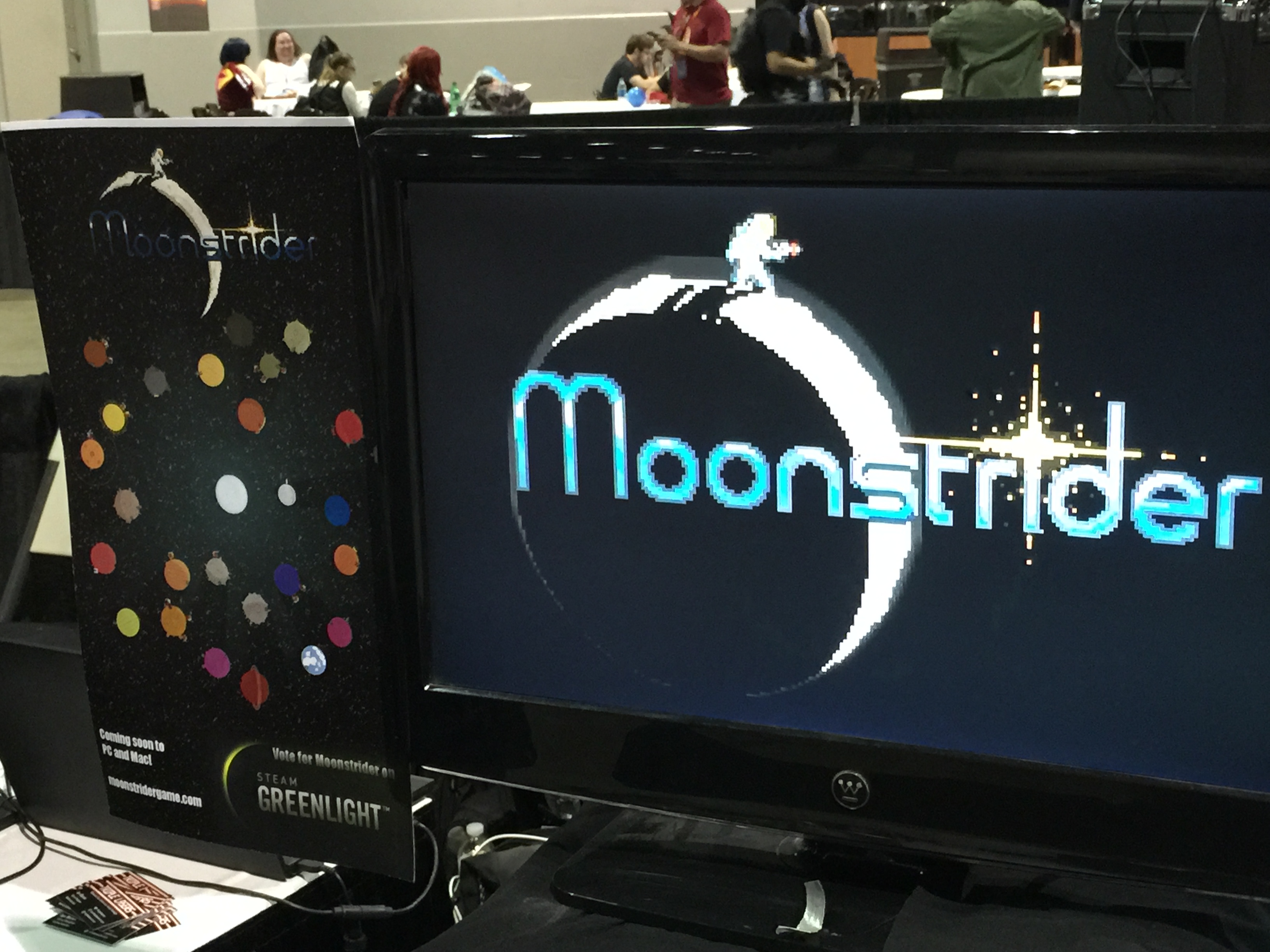
Momocon Indie Games I talked to the developer of this game for a few minutes.  He was friendly and did a good job of describing his game and answering my questions.  The Greenlight display on the banner is a nice touch, so players will know to vote for the game if they want it on Steam.  The graphics looked simple, but it had some very unique mechanics of jumping from planet to planet in a Super Mario Galaxy style, but in 2D.


Momocon Indie GamesWhen I came back to this game, activity had picked up quite a bit with multiplayer games in progress.  A live multi-player demo definitely sells the party atmosphere aspect of your game.  However, the demo should also contain a single player mode just for those gamers on the floor by themselves.  From the banner that I saw earlier, I never would have known that this was a puzzle game, which made me think that the banner was for the booth adjacent to it.


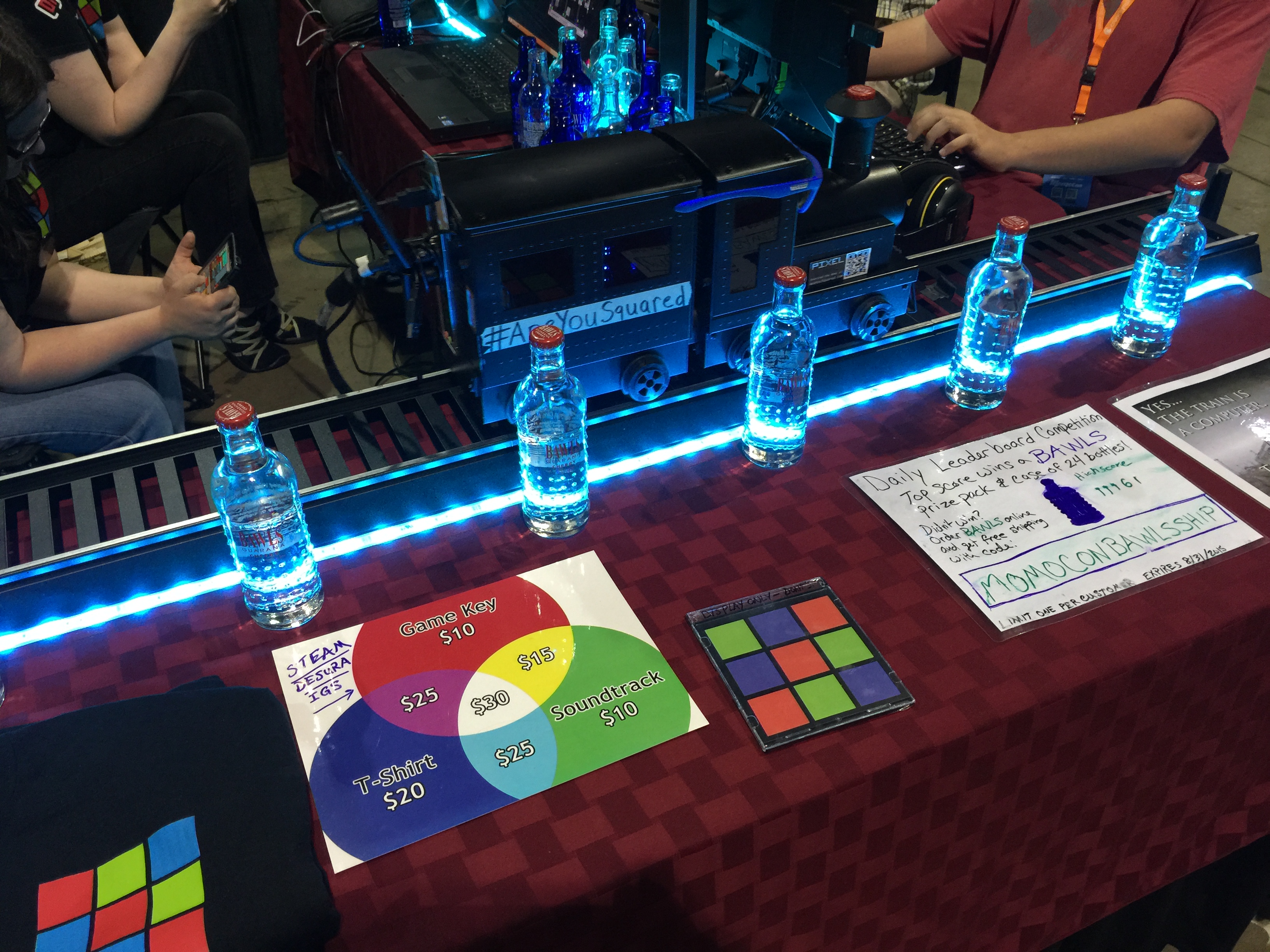
Momocon Indie GamesThis display was definitely unique, with a computer on a small train running on a track.  One of the posters advertised this as the fastest computer in the world, moving at something like 0.3 miles per hour.  Of course, fastest in their definition is distance over time instead of computations per second.  Pretty lights are always a nice touch, but I didn’t understand the point of the bottles.  Are they running a concession stand from their game booth?  I could also never tell which game this was actually promoting.  It really reminded me of 90’s beer commercials, where the entire advertisement would have nothing at all to do with the actual product.


Momocon Indie GamesThis was another shooter which had nice graphics, but there wasn’t anything that really compelled me to play the game.  I’ll give them credit for having a consistent and professional looking theme.  I would have had the game’s name displayed on a poster above or next to the screen, because as you can see in the picture bystanders can block the banner art.  The people who designed the original arcade cabinets put the name of the game in the front of the cabinet above the player’s head for a reason.


Momocon Indie GamesWhile some may think that business cards are outdated, I think they are essential for a successful booth.  I talked with one of the developers, and asked if he had a Twitter account or website so I can find out more about his game.  Since he had a business card, I didn’t have to hand him my phone to enter it.  Also, please don’t write down your website URL with a pen on a sheet of paper, especially if it is something like www.geocities.com/Neighborhoods/SiliconValley/mycoolgame.html.  These are the two cards that I received from developers at the show, which I think are good examples.  Keep the amount of information on the card simple, with just your name, email, Twitter handle, and website.


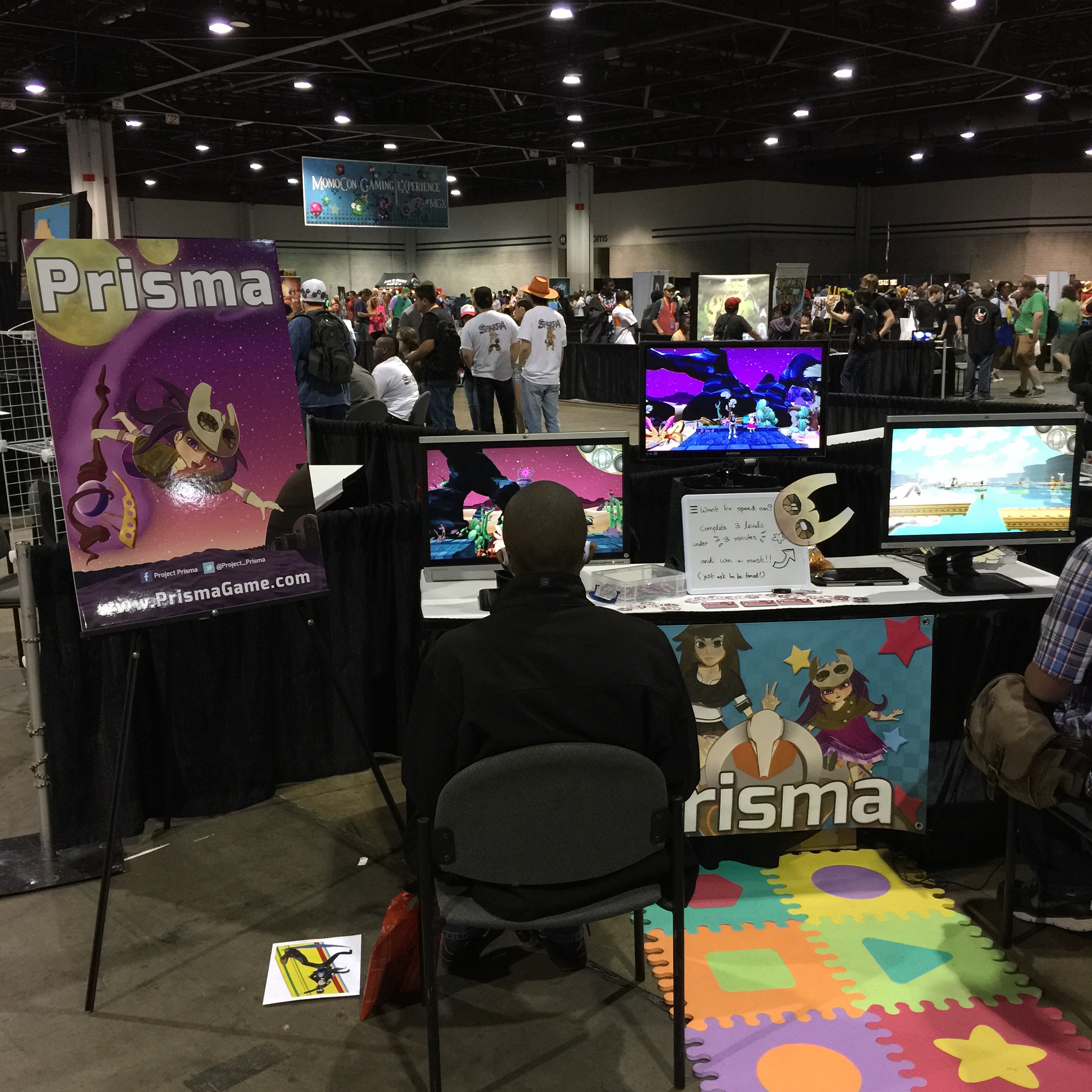
Momocon Indie GamesI liked the simplicity of this booth.  Just show the name of the game, because that’s what you want people to remember.  The colorful floormat and game art on the front of the booth also help it stand out from the others.


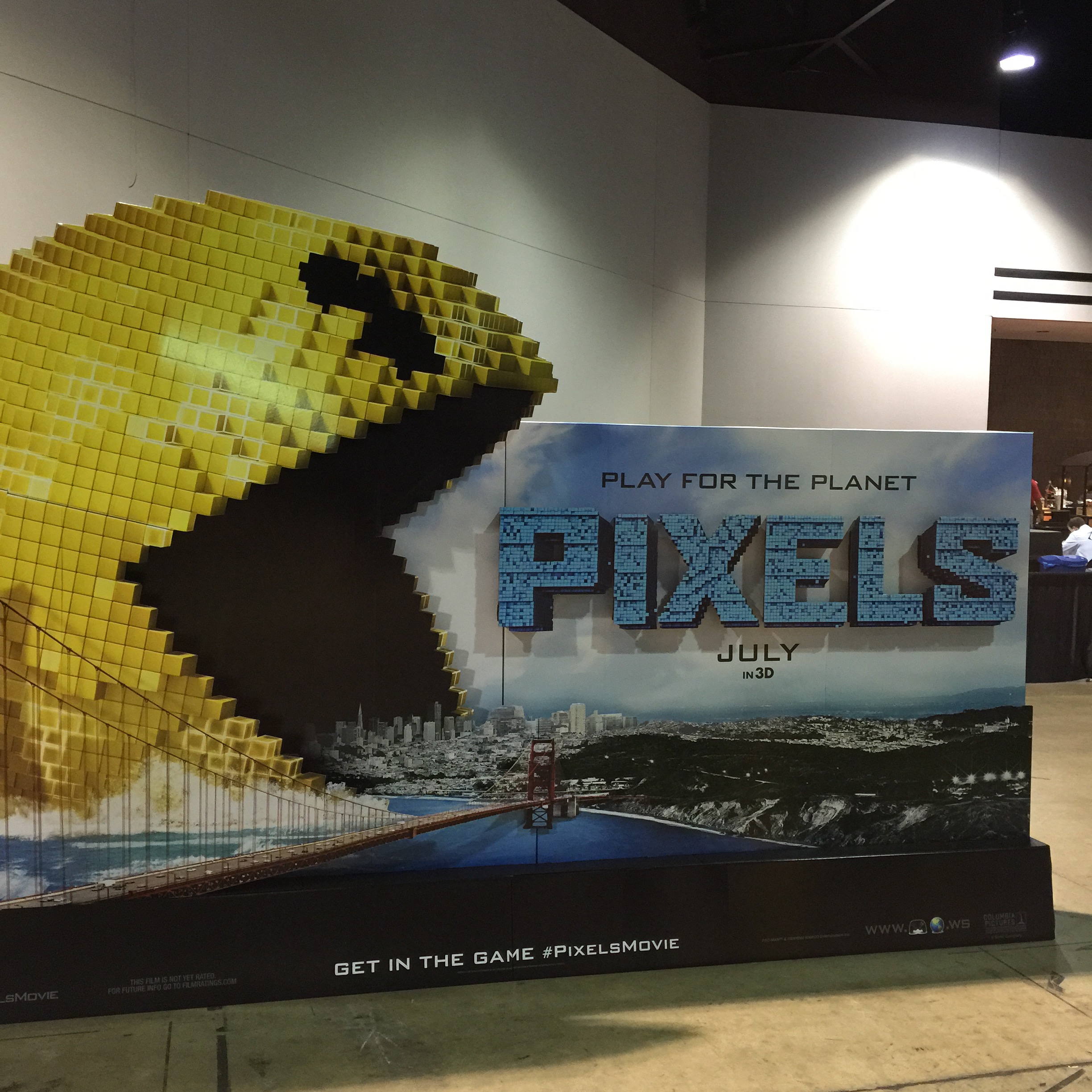
Momocon Indie GamesI liked this display for what appears to be a gaming movie, but there wasn’t anyone there to tell me more about the movie.  Is it an indie movie?  Will it be released in theaters or digital only?  This display just seemed like an orphaned child sitting in the corner alone.


Two other booths, not pictured here, did not have playable demos.  Personally, I think it is almost essential that you have a working demo in order to be taken seriously.  One booth had a screen showing people playing their game.  Honestly, I did like seeing the recorded player reactions as they were playing the game.  However, it was impossible to tell if those emotions were genuine since there was no playable game to try for myself.  The other booth just had a pre-rendered animation sequence that was kept on a loop.  It really didn’t tell me what the game was about or why I should be interested in it.


In conclusion, I will admit that I’ve never run a booth before aside from helping at the Georgia Tech booth in a high school college drive years ago.  I probably can’t appreciate everything that goes into running a booth at this time, but I hope to have a booth at a major convention one day.  That’s one of the reasons why I wrote this post, so I can come back at a later date and remember what I thought did and didn’t work at indie game booths from the perspective of a regular attendee on the convention floor.


Expand-O-Ray

Expand-O-Ray Overview

Use the Skiles Bot 5000 to test the Expand-O-Ray, which expands and shrinks objects in the test area.  To complete the levels, you must make some blocks bigger to reach new areas and shrink other blocks to pass.


Time-lapse showing the creation of Expand-O-Ray over 48 hours!


Released