Multiple Controller Testing
So sure enough, the first time I tried running the game with two controllers plugged in (first one signed out, second one signed in as my developer account) I get the Code 4 error from the XBox. Even turning off the first controller will generate this error, so currently the first controller must be the one with the developer’s account.
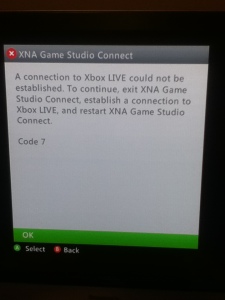
The game will play fine with two controllers having the first one signed in as the developer’s account and the second one not signed in. However, if the first controller signs out from the Guide it will immediately throw a Code 7 error.

Old School Television
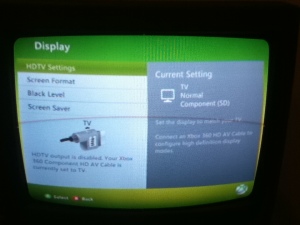
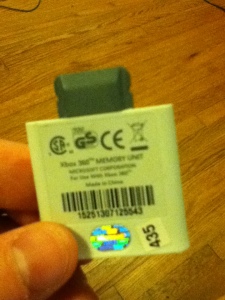
I also needed to test to ensure that my game will run on older televisions. It’s a good thing that I paid to have my old Elite XBox fixed about a year ago. Originally, the only reason why I had it fixed was so I could get my game saves off of it to transfer over to the XBox Slim. I think I had to buy a special $20 adapter just to do that as well. Fortunately, now it is going to come in handy, since it is the only working XBox that I have that can read an MU (Memory Unit), which is required for testing the device selector. I also had an old Sharp CRT television sitting around collecting dust, so I can use it to test the lower resolution and 4:3 screen ratio.


Save File Problem
After downloading the XNA Game Studio Connect to this XBox and recovering my developer profile, I was able to connect my PC development environment to this system. Unfortunately, when I tried to deploy the game, it just sat on a black screen. This completely froze the XBox system, because pressing the Stop button in Visual Studio and pressing the Guide button on the controller had no effect. I tried changing the resolution constants in my main game class to 1080×720 to see if that would help resolve the issue, but I still got the black screen. Therefore, I had to manually hold the power button to shut down the XBox.


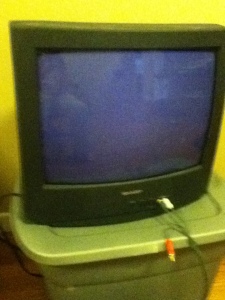
Next, I tried just deploying a default project, and I did get the Cornflower blue screen on the television, which at least gave me a starting point for finding the problem.

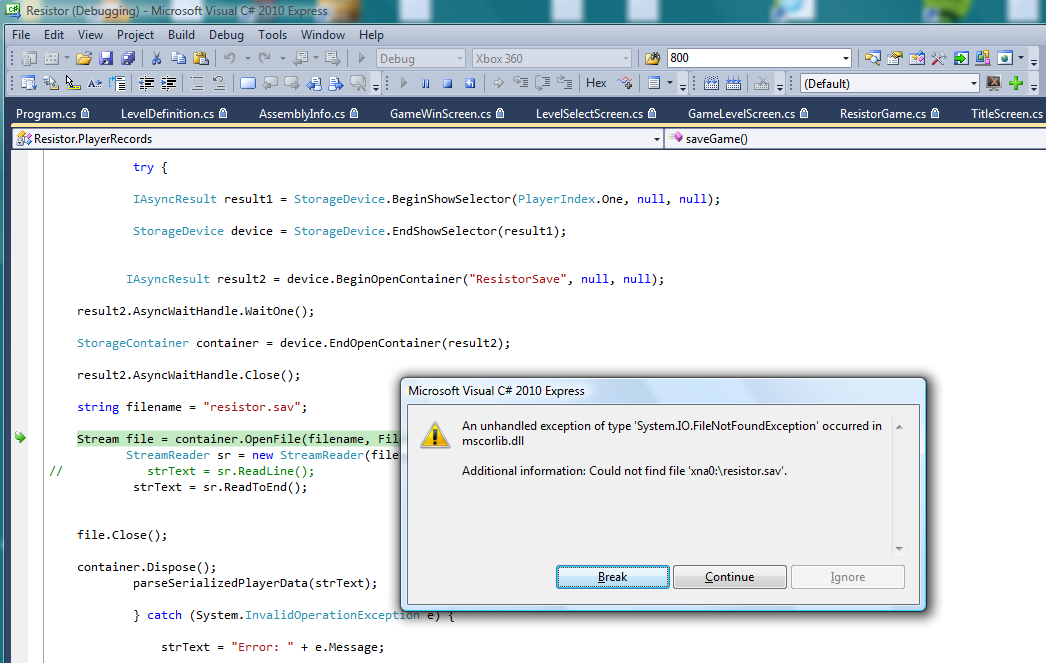
I removed the MU from the XBox and tried deploying again, and this time I got a runtime error (which is better than the black screen). It was complaining about my save file not existing. This file must have gotten created on my other XBox during my testing, but I never added the code to create the file in my final game code. The OpenFile was crashing if that file didn’t already exist. To resolve this problem, I just added a check to see if the file exists before it is read. If it doesn’t exist, then it just creates an empty file, which should prevent the error.

After fixing this, I got another error about the file being used by another process. This is (unfortunately) one of those problems that appears to happen only once. I tried deploying it again, and the game runs fine. I believe this was because the CreateFile method opens the file for reading, but it wasn’t closed, so when the OpenFile method tried reading the file, it saw that something already had a handle to that file. However, the next time the game was run, the file was not created, so nothing had a handle to the file when the OpenFile method was called. I went ahead and added a Close method immediately after the CreateFile call. This probably isn’t the optimal solution, but I just want to get it working for now.
It’s a good thing I tested this before submitting my game, otherwise it would have probably crashed the first time someone tried to play it. Unfortunately, there is no easy way (that I know) to entirely remove the game and the files it creates in the process, to simulate a new person playing the game. It is possible to set the XBox back to factory settings, but then I would have to install all the updates, download my profile, and download the XBox Studio Connect again.
I went ahead and added a check around the file reading and writing functions, so it doesn’t try to read or save if the Guide is open. Therefore, it won’t save the player’s data, but the game won’t crash. Theoretically, this should never happen since I’ve added a check to the game level screen, which will transition to the PAUSEGAME state if the guide is active. I also noticed that there is an “OpenOrCreate” property on the FileMode object used with OpenFile, so I was able to remove the inefficient Create/Close code I just added. Using the OpenOrCreate property solved one problem that I’ve noticed, where it wouldn’t always add the achieved ranks to the level select screen, making it impossible to get back to the last level completed.
After all these changes, my game still didn’t use the device selector, which is a requirement to pass the peer review in the Evil Checklist. Spent some time (IO always seems to take the longest) to rework all of the file save code. I quickly realized that the method that I used to save games in an earlier post did the job, but wouldn’t pass the peer review process. The thing that gave me the biggest headache is the asynchronous method it uses to select a storage device. While the player is selecting a device, your game is still running in the background. This made it very difficult to do the load from the level select or game level screens, because the game would be started (or level select displayed) before the storage device is selected. Therefore, I created another screen just for selecting the storage device (LoadScreen) which subclasses my default screen class. This screen will wait (unless the cancel button is pressed) until the storage device is selected and the file is loaded. The next problem was which state should the load screen transitions to after it is complete, because the load screen can come before either the game loop screen or the level select screen. I added a variable to the load screen called iFollowingState, which is set before the screen is shown to track the state that follows. If the user doesn’t select a device, it remains on the load screen displaying a message to the user stating that a storage device must be selected. If the user presses confirm or start, then it will give the user a chance to select the storage device again. If the user presses cancel after not selecting a storage device, then the user is sent back to the title screen. On an XBox with only one storage device, the player should never see this screen at all.
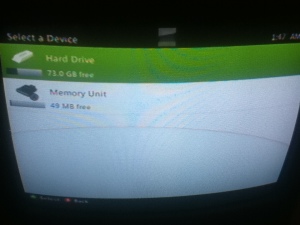
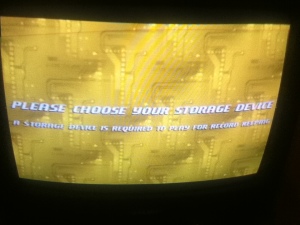
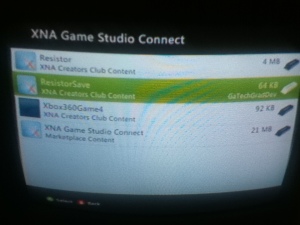
After a little more searching, I was able to find where the XBox keeps the save data for the deployed Creator’s Club games. Under the System menu, select the XNA Game Studio Connect under games, and then there’s another menu under that which contains all of the game data. This will be very helpful for wiping the save game data, to test the game as a entirely new player.
Title Safe Area
Started reading about the title safe area, which is another requirement on the Evil Checklist. I think my game should be okay, since I was having a hard time filling up the entire screen anyway. I may need to go back and double check some things like the “Replay” and “Next” selectors on the GameWinScreen.
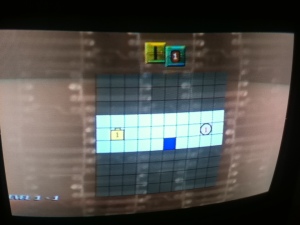
So after I got the game running on the CRT television, I immediately noticed that the year value was being cut off on the title screen. There is also a black letterbox effect around the top and bottom, but I think that is expected in the 4:3 resolution, so I don’t think it would fail peer review for the letterbox effect. The arrows on the level select screen are slightly cutoff, as well as the word “LEVEL” on the game level screen. Everything else is looking good.
Discovered that even though this looks okay on my CRT, it may still not technically be in the Title Safe area, which is determined by the Rectangle returned from graphics.GraphicsDevice.Viewport.TitleSafeArea. I updated the draw method on the main Screen class to take one additional parameter, which is the title safe rectangle. Therefore, I had to update all the screens that subclass Screen, to accept this new parameter. However, it will be beneficial in the long run, since all draw methods will now have a reference to the TitleSafe area.


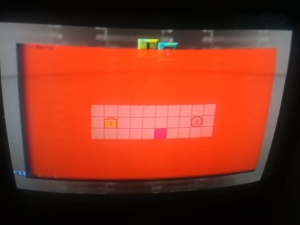
After adding the new TitleSafe Rectangle as a parameter to the abstract Draw method for screen and implementing it in all the subclasses, I drew a transparent red rectangle cover the title safe area. This is really helpful in determining if anything is outside of that area. I added a variable in the main game class, which can be used for turning this red tile safe box on and off. I updated all of the screens appropriately, so vital information does not display outside of this area. I left the scrolling arrows on the level select screen and parts of the S-rank circling stars immediately outside of the of the title safe rectangle. The stars are just for show, and the user doesn’t need the arrows for navigating the level select screen. As seen in the screenshots below, I had to move the selectable resistor icons slightly down, the “LEVEL X-Y” label to the right, and “Replay” and “Next” buttons up. I had to move all of the text on the Game Win screen slightly up for everything to fit in the title safe rectangle.


Minor Fixes
Updated the Level Select screen, so that if the selector is over a level that can not be played at this time, it will have a darker color. This was accomplished using the isLevelUnlocked method that I previously created.
Noticed that when pressing right on the D-Pad, the cursor will keep moving after the button is released. When I checked the main game loop, I was actually calling rightPressed instead of rightReleased on the current screen when right was pressed on the D-Pad. It’s hard for me to believe I didn’t catch this earlier, but I always play the game with the thumb stick.
Also noticed while testing the multiple device selector, the device selection menu would popup every time the Cancel/B button was pressed. This was a really old test when I was first implementing the save feature, but I guess I never took that line of code out. I never realized it was still doing that on my main XBox, because it doesn’t show the device selector when there is only one storage device. It was really noticeable on the XBox with the MU installed. Taking the load game call out of the “B” button detection check fixed this problem.