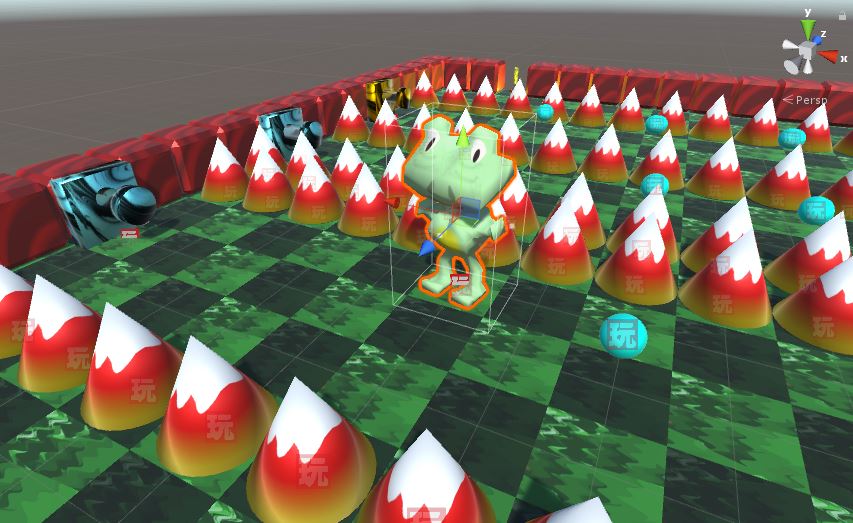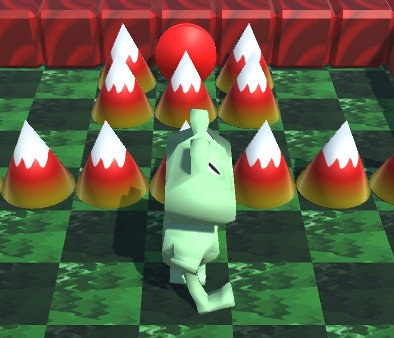
World Fighter, The Cosmic Warrior was my thirteenth game developed for the main 48 hour Ludum Dare game development competition.
Dylan, Joe, and myself got together at Panera on the Friday night before the competition for a Ludum Dare kickoff. We speculated about what the theme would be. In previous competitions, we could get an idea of what the final contenders would be based on voting in previous rounds. However, those metrics are no longer available, so it was anyone’s guess.
My previous two games that I had developed over the past month were both collectible games. Note Chomper was a 2.5D Pac-Man clone that I developed for the MiniLD #73. Miner Madness was a platformer that I developed in GameMaker for GM48 where you avoid the bats and collect the gems. I knew I wanted to develop something for this competition where you attack and blow things up.
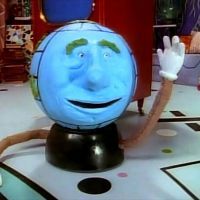
One of the themes that caught my interest was “A Small World”. As with some of my previous entries, such as One Gunman, I knew I could take the theme and make it the protagonist of the game. I told our group that I was thinking that I could make a fighting game, with a character like Globey from Pee-Wee’s Playhouse as the main character. He would fight other planets across the universe.
My original idea was a fighting game similar to Street Fighter II. The title is a play on “Street Fighter, The World Warrior”. At first, I thought about just switching the words “street” and “world”, but “The Street Warrior” really didn’t fit when I decided that the environment would be space, so I decided to go with “The Cosmic Warrior”. I had never made a beat ’em up game, so I decided to make the game similar to classic arcade games like Final Fight or Double Dragon.
 For the player’s character, I decided to make it green with blue for the facial features and hair. I tried adding a nose to my character by modifying the mesh in Blender, but then it really didn’t look like planet so I kept the original sphere shape. I think Joe was the one who suggested using moons for punching, which I think turned out well. I modeled the planet character and animated the moon punching in Blender. I tried keeping the planet and two moons as separate objects in Blender, but that caused problems when importing into Unity, so I combined the three meshes into one, with three bones in the armature. I created an idle animation and a punching animation. I assigned one capsule collider to the planet character, and then a sphere collider to the moon used for punching. Unfortunately, this means that the moon “fist” collider has to be reassigned whenever the model is re-imported into Unity. I haven’t found a good way around this yet.
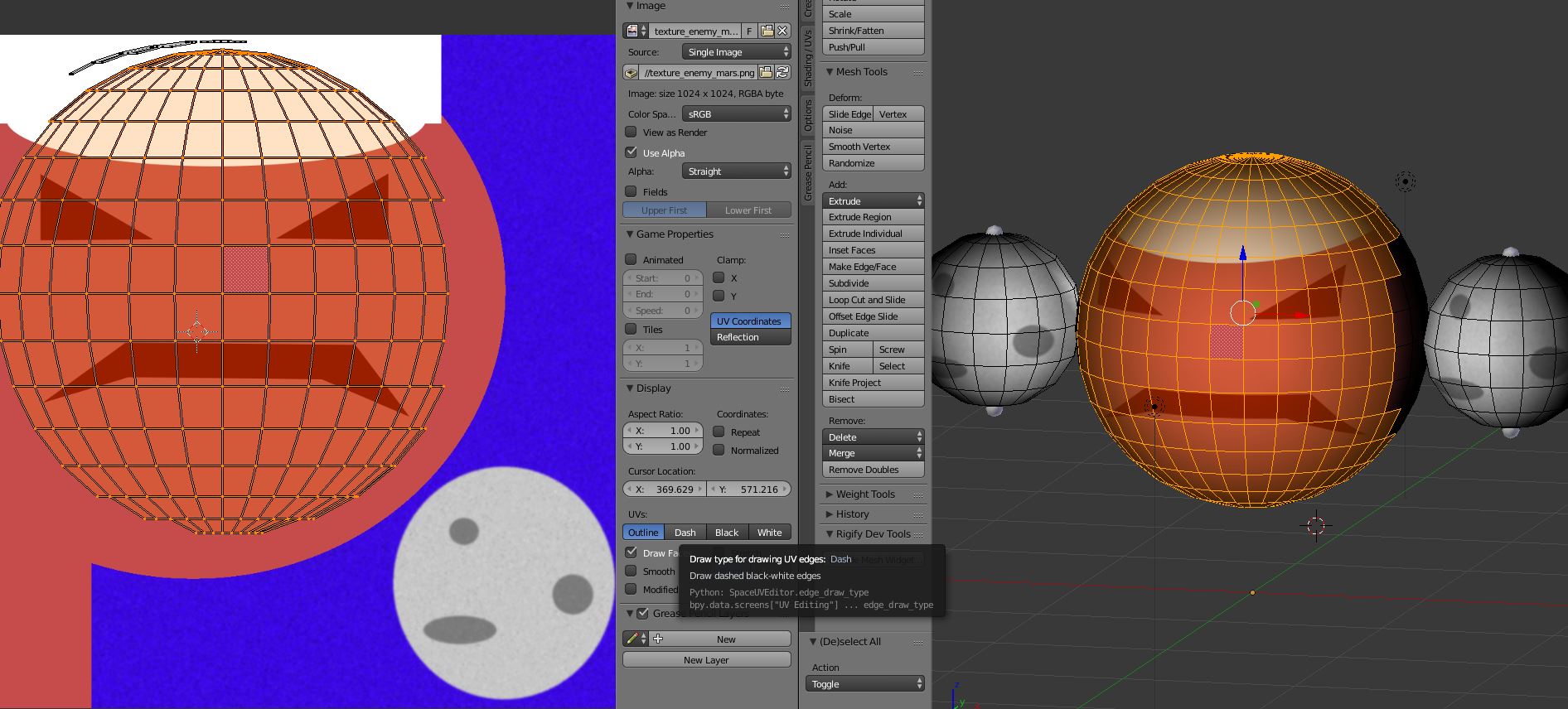 The enemies are similar to the player’s character, except they have a different texture. I tried making them look like Mars, with white hair to look like the northern ice cap of Mars. I made it so that each enemy could be destroyed with one hit. I had planned on having multiple enemies with varying levels of health, so that some would be more difficult to defeat than others. I also hoped to have a boss planet character, that would need to be defeated in order to clear the level. I ended up just having a counter for the total number of enemies and the player just needs to defeat all of the enemies to clear the level. I also wanted to have life bars displayed for each of the enemies, but time ran out before I could add that feature.
The movements of the player and enemies were handled with Playmaker addon for Unity. The enemies continually check to see if the player is a certain distance away. Once the player is close enough, then the enemy will move to the player’s location. When the enemy reaches the player’s location, it will start attacking. After each attack, it will check to see if the player is still in range, and move toward the player again if the player has moved away. Both the player and enemies bob up and down, which I think turned out well. It gives a bit of liveliness to the characters. I had to manually write the turning code myself, since the default rotation was not always in the direction that I wanted. I always wanted the player to rotate with the front facing towards the camera, so I had to take that into consideration in my rotation code.
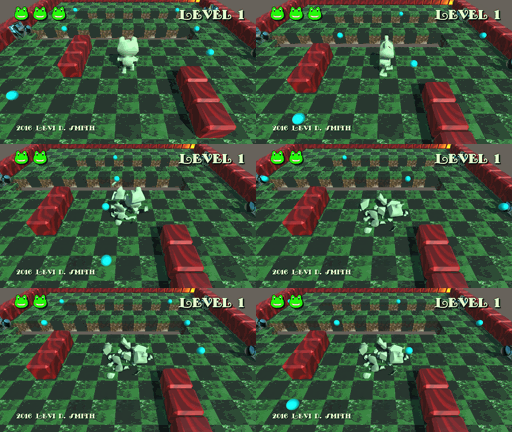
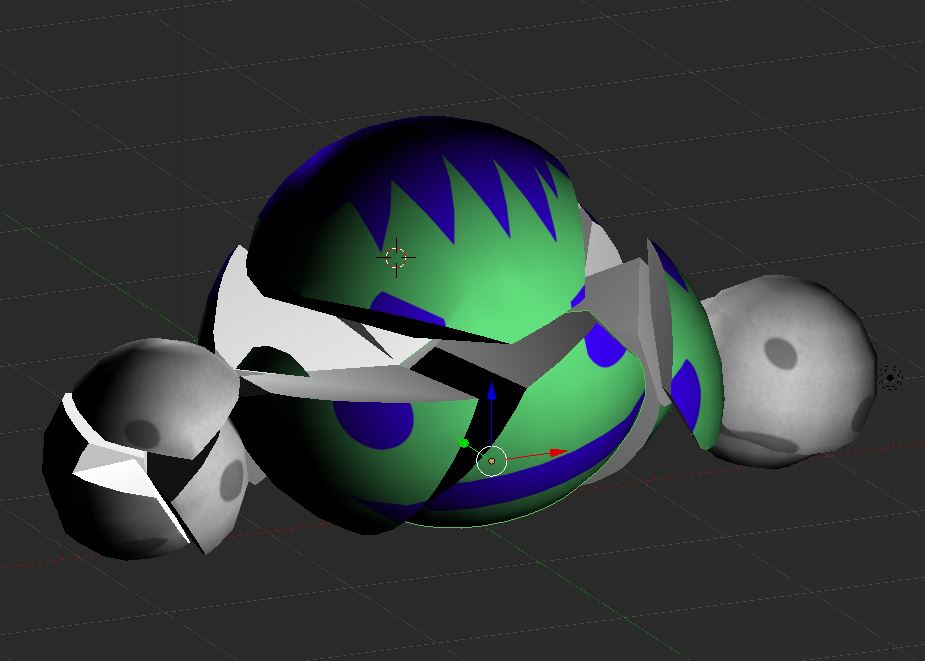 I used the Blender Cell Fracture plugin again for making the planets explode. I put the explosion animation in a separate prefab. When an enemy is defeated, the enemy GameObject is destroyed, then an enemy explosion prefab is instantiated which plays the death sound effect along with playing the cell fracture animation. The one problem I still have with the Cell Fracture plugin is that you can’t define what the inner parts of the exploded object look like, so it just appears to be random parts of the texture. There are lots of options for the plugin, so I probably just need to look into it some more.
I used Audacity again for the sound effects. I didn’t try anything really experimental this time. I used the pitch modification to lower my voice and added a little bit of an echo. I used an envelope for the punch swipe sound. The one thing that I find frustrating with Audacity is that I think it should make the folder of the file that you opened the default when saving or exporting the modified file, because it wastes a lot of time having to dig through the directory tree to find your sound effect folder each time. However, it is a free tool so I can’t complain. The Audacity source code is also on GitHub, so I could actually change this if I really wanted.
The music was composed in GarageBand on my MacBook Pro, as I have done in previous competitions. Again, I used my regular process of making a couple of melodies, then I changed up the instruments and made slight modifications and mixed the melodies together. I also made a slower version with fewer instruments for the title screen.
I made the starfield background using a tutorial that I found years ago when making my Earthball pinball game. I changed it up a bit to suit my needs. I left out the supernova stars to create a skybox background. I learned that the skybox settings are hidden in the Window Lighting settings, and it is specific per scene. I had to change the Environment Lighting Source to a solid color, since the starfield skybox source made everything too dark. I put two stars down as a guide on the ground texture for the bounds for where the player can move.
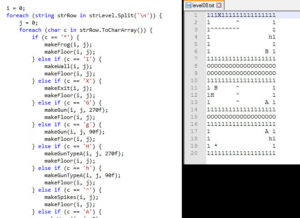
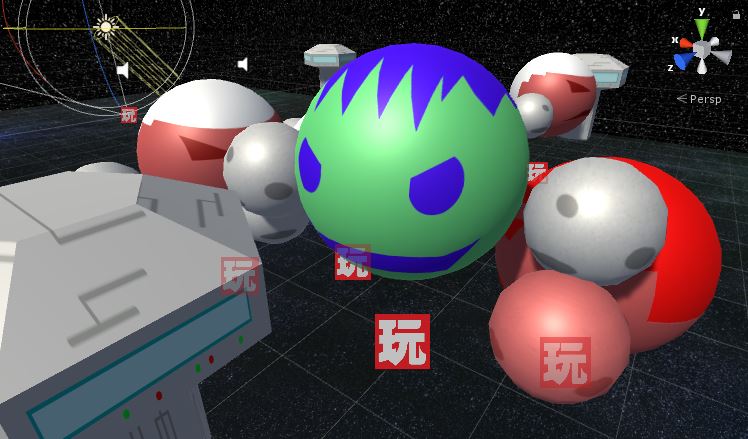 The game world is composed of a number of “blocks”, similar to a street block. Each block has three enemies, which are somewhat randomly placed. There are two starport type objects, which I modeled and texture mapped in Blender at the last minute, which also form the bounding area of where the player can move. I had envisioned that these would be destructible and produce items, similar to the trash cans in Final Fight. The level could be improved by having an invisible wall that prevents the player from proceeding until all of the enemies on a block are defeated. I have a case statement that does add an invisible wall before the first block and after the last block to prevent the player from falling off of the ground.
I am happy with the game that I made for this Ludum Dare competition, but I don’t feel like I learned or tried anything new. There are definitely things that I want to fix and enhance in this game. However, after three back-to-back game jams I’ve decided to take a break for a little while. I think I want to try a new game engine or new modeling tool next time.