
After five years and sixteen consecutive Ludum Dare entries, I don’t know if there’s much for me to say in a post mortem anymore. Honestly, I don’t feel like my game development skills have gotten that much better. However, I feel like what I have previously done can be done in a much shorter period of time. What used to take me the full 48 hours to accomplish, can now be done in the first day. That leaves me a lot more time to test and tweak gameplay difficulty.
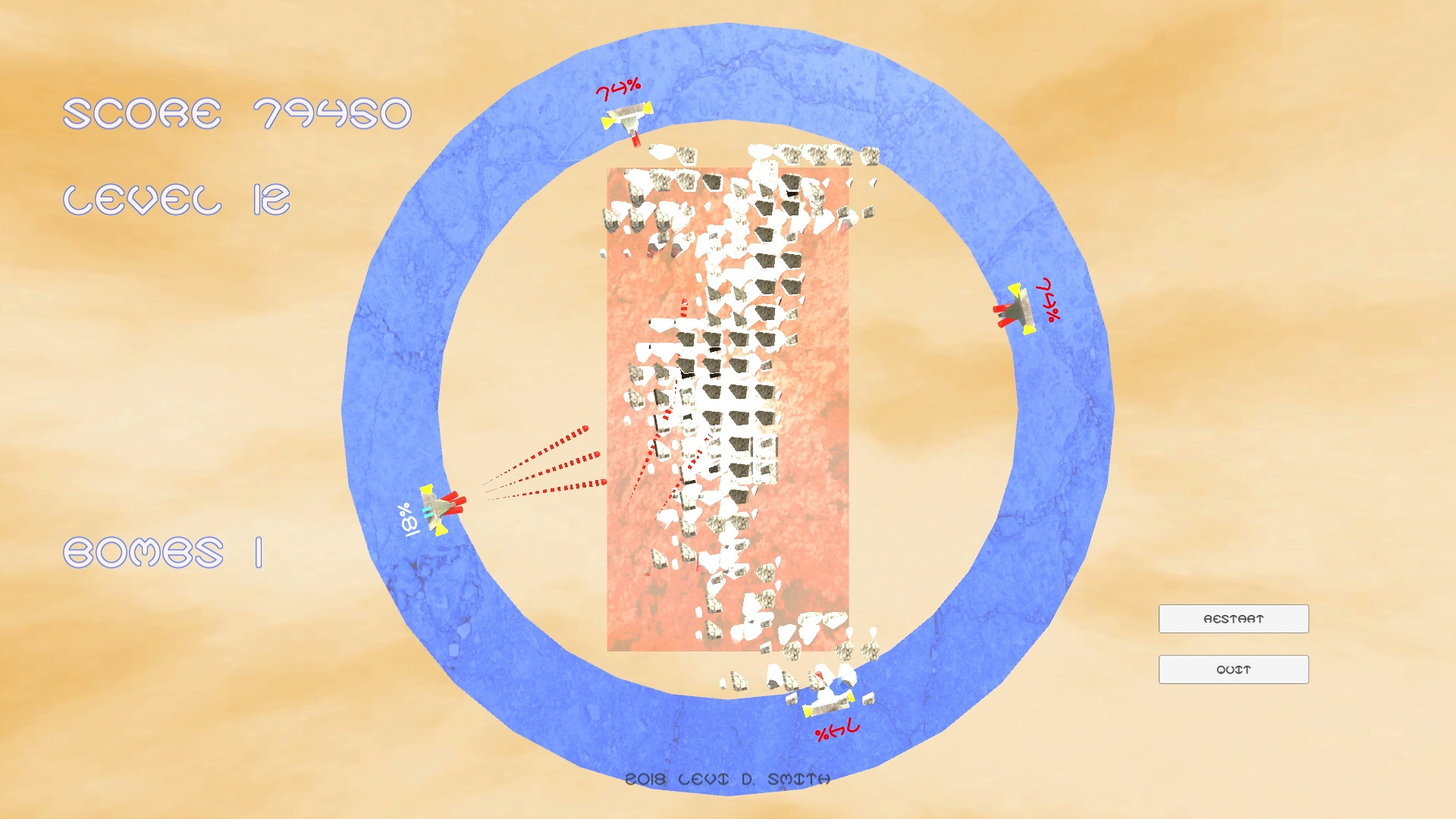 The idea for this game came from the story about a hidden planet called Nibiru, which is supposed to cause the end of the Earth. I had originally envisioned a fully functional falling blocks game like Tetris with AI, but I settled for just getting the block stacking working. The objective is to prevent the blocks from getting to the top like in Tetris, but you have to shoot them instead like in a space shoot em up.
In most of my previous Ludum Dare entries, I only had one or maybe two gameplay mechanics. I believe Blocks of Nibiru had the most of any of my previous entries. Below are most of the mechanics I was able to implement for this game.
- Multiple ships
- Upgradable cannons
- Gun heat / Overheat cooldown
- Speed upgrade
- Orbital movement
- Block stacking
- Bombs to clear blocks
- Collectible powerups
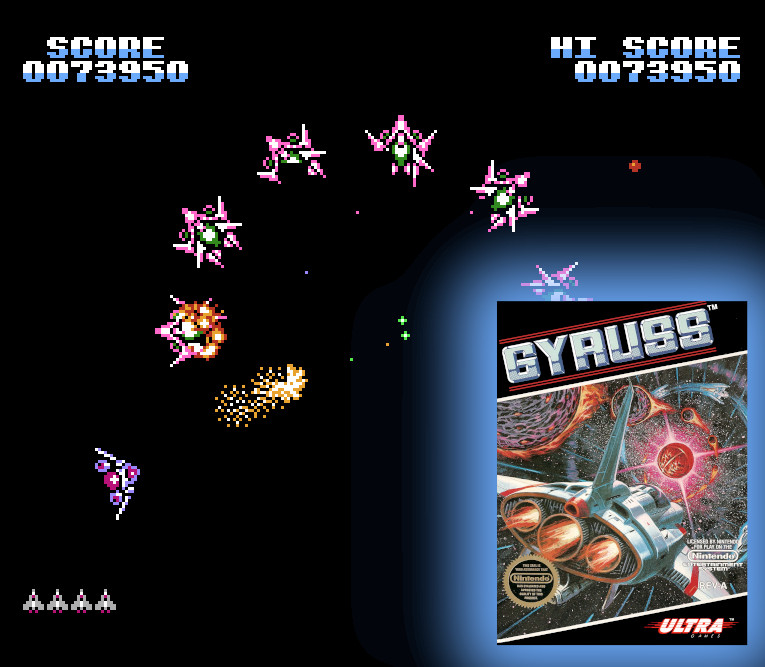 I really started learning how to place objects in polar coordinates when I made my Easter Egg Hunt game last month. In that game I laid out the eggs in a circular fashion, using the angle as the interval and the radius as the random value. Using the angle and radius mapped really well to the horizontal and vertical Input Axes in Unity. I was amazed at how well it controlled in my game. Then I remember this had been done before. It was a game called Gyruss that I played on the Nintendo Entertainment system as a kid. However, Gyruss did not have the ability to pull in and out like my game. It may not seem like a big difference at first, but moving along the radius does really help when you’re trying to track down a powerup or trying to spread out a multi-cannon shot.
Since my ship object was a prefab, it was not difficult to make multiple instances of the ship. Placing the second ship was easy, because I just added 180 degrees to its angle. The third ship was a little more difficult. I could not keep the ships evenly spaced (120 degrees apart) without moving them around, which would be awkward. Therefore, I just added the third ship to be 90 degrees between the first two ships. Then the fourth ship would just be 270 degrees away from the first ship.
For the cannons, I just modeled three red cylinders and placed them at angles at the front of the ship. I tried not to make the spread two wide, but not to narrow as well. The first cannon shoots directly forward. To keep symmetry, I decided that when the first upgrade is applied, the two angled cannons would be enabled. Then on the second upgrade, all three cannons would be enabled. Again, since the ships were instanced, it made it so that the cannon upgrades would be unique for each ship.
As I was playtesting the game, I noticed that an overheat / cooldown system was needed. I didn’t want players to keep mashing the shoot button forever with no penalty. I wanted players to feel like there was importance for when they take a shot. Therefore, I added the heat percentage to the ship instance. When it reaches 100% (it’s actually stored as a float value), then the player is locked out from shooting with that ship for a period of time. I used my harmonica to make the beeping sound when the ship overheats, so that there is audio feedback. I probably should have added a smoke effect or something when the ship is overheated. The heat reduction powerups were made to allow more shots before the ship overheats. Looking back, I would have made fewer levels of heat reduction, like just two so that when the powerup is collected it feels like it makes more of a difference.
The speed upgrade was not difficult to implement. I just increased the speed instance variable for the ship. However, it was not possible for each ship to have a unique speed, because that would eventually result in ships overlapping and give it just general janky feeling. So I decided to have the speed upgrade applied to all ships, which kept the symmetric spacing between all of the ships.
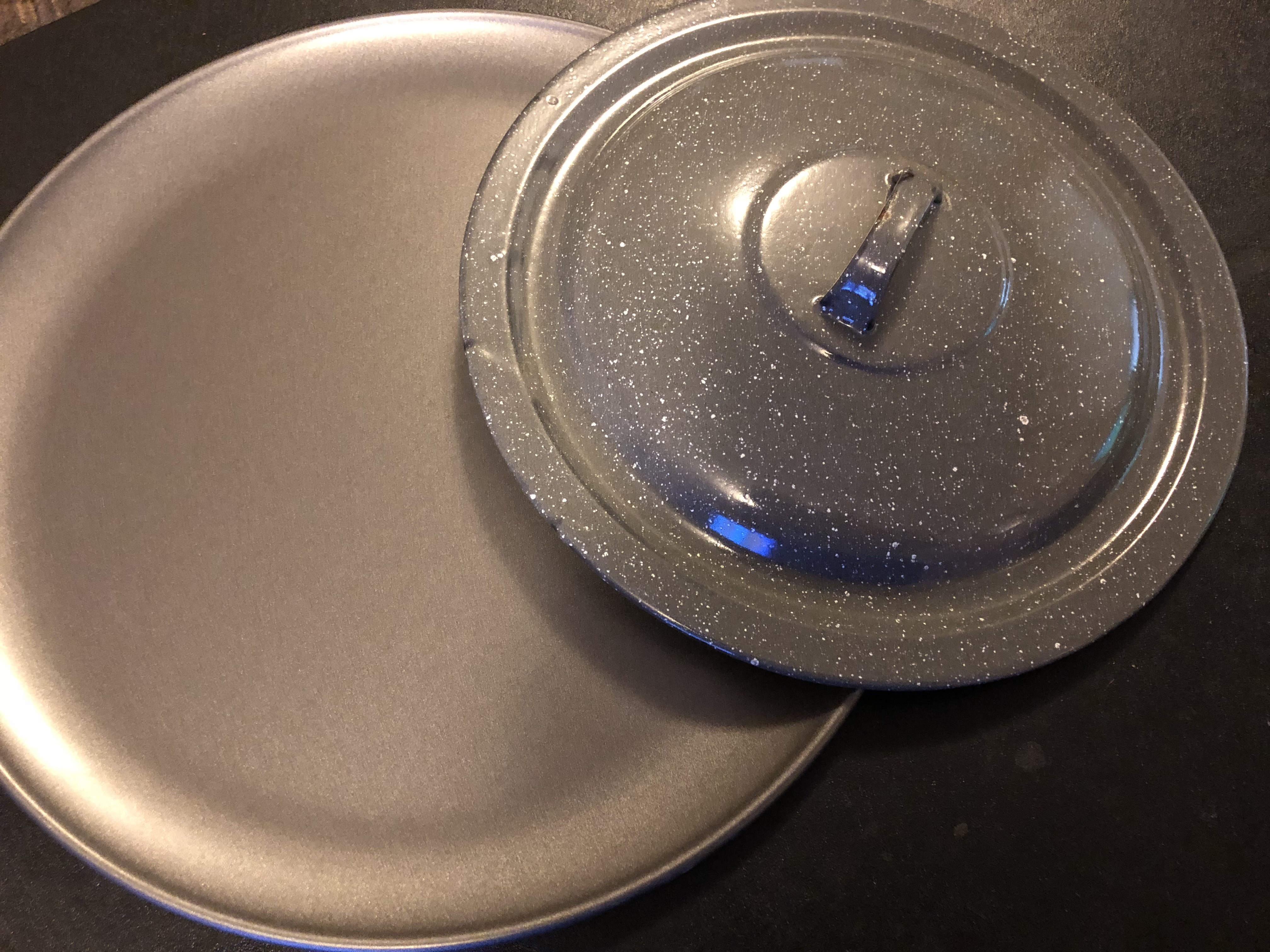 The bomb upgrade was fairly simple to implement. If the bomb counter is greater than one, then decrease it and delete all block instances currently in the game. I used a pizza pan and lid of a pot to make the sound effect, sort of like clashing two cymbals together.
The powerups were made with a six sided circle in blender extruded out to make a 3D shape. Then I duplicated and made a longer and smaller one to cut out the center using the Boolean modifier (I always forget if it’s difference or intersect). The voice that plays when a powerup is collected is just my voice with Audacity’s vocoder applied.
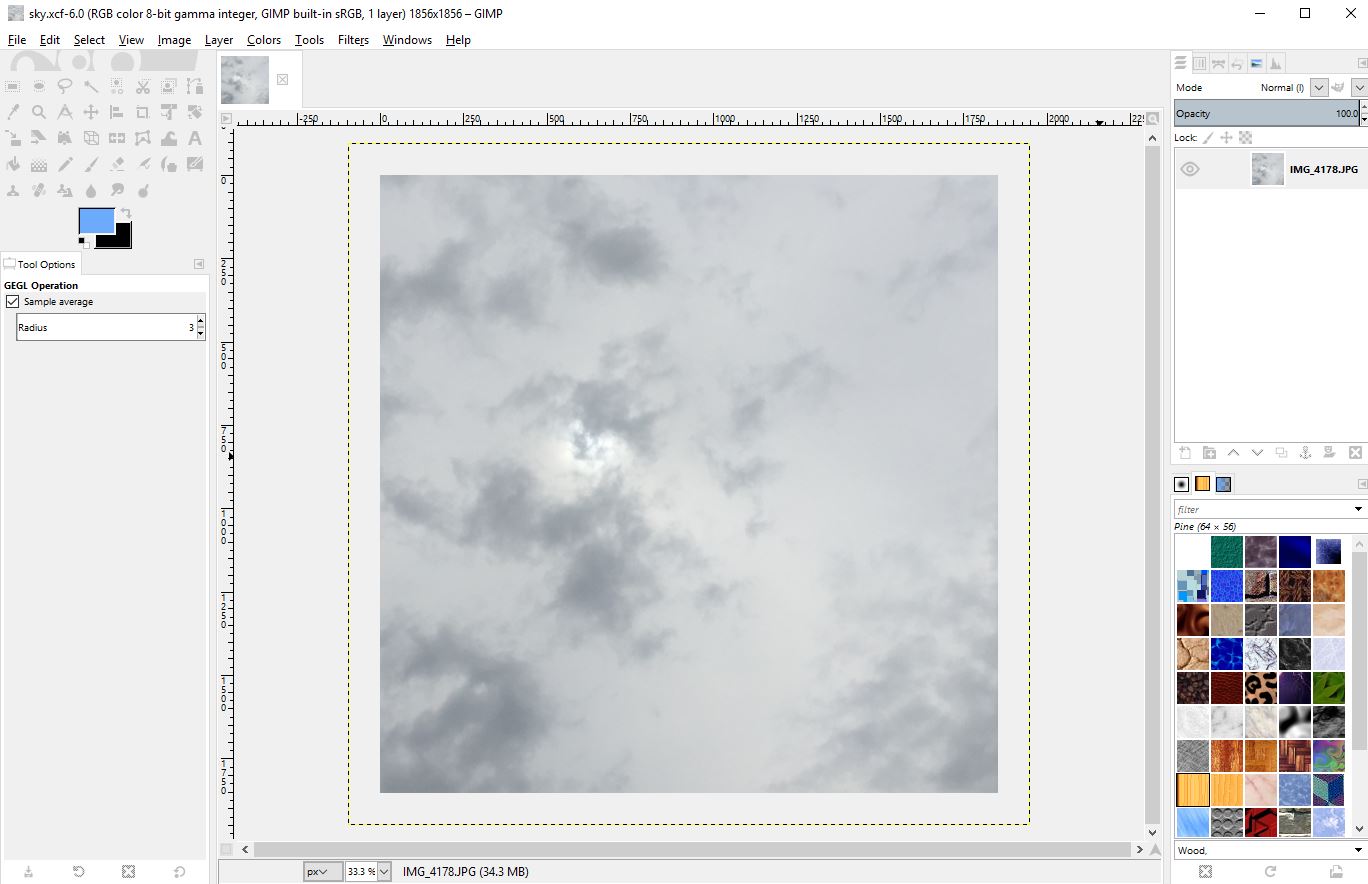 I guess the one thing I did learn from this game was how to rotate a skybox in Unity. I took a walk at the local park early Sunday morning, and took a picture of the sky. Unity now has an option to make a skybox out of a panorama picture, instead of having to put together six sides of a cube. The important thing is to make sure that the picture is seamless. I was able to do that in Unity using the Make Seamless Advanced plugin. I also took pictures of some rocks around the house that I used for the block texture, and the side of a tree that I used for the background board plane. The ship was textured with a picture I took of the metal on the side of my air conditioner.
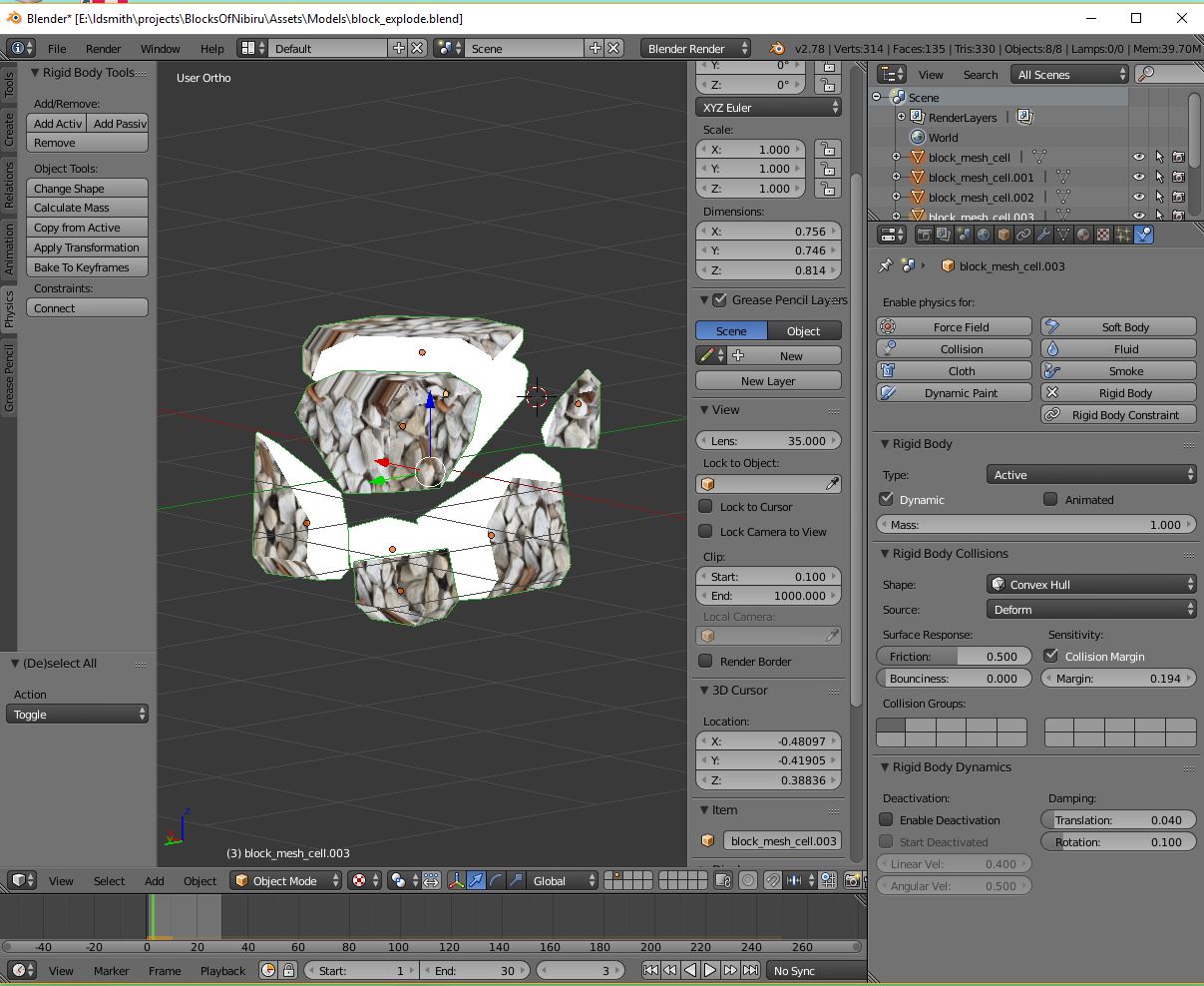 I used the Blender cell fracture plugin again, for making the blocks explode into multiple pieces. I had to turn the fragment number down. I think the default was something like 100, so I turned it down to 20. The one issue was that I had to remember to set the animation to legacy for the explosion effect to apply. As usual, I put the explosion into a separate prefab that gets instantiated when the block is destroyed, so that the block is immediately removed from the game logic. It also allows me to put the destroy sound effect (which was just me clapping my hands in front of the microphone) in the explosion prefab, so that continues to play after the original block is destroyed.
The music was composed in GarageBand again. This time I used my new MacBook laptop, which is much more speedy than the one I previously used which was about six years old. I really didn’t do anything out of the ordinary for the music this time. I just made a couple of melodies and switched them between instruments, and used one of the standard generated beats. I did increase the pitch of the music as the block stack gets higher, which makes it feel like a greater sense of urgency, similar to how the old Tetris for GameBoy did the music.
Looking back, I think there were a few things that could have made this game better. I wish I had put tail renders on the bullets. The explosions could have also had lighting effects. However, having too many point lights on at the same time can cause problems. I think after eight or so point lights, they just start getting ignored. I could have at least put a point light on the ships, or a flash of light when the cannon is fired.
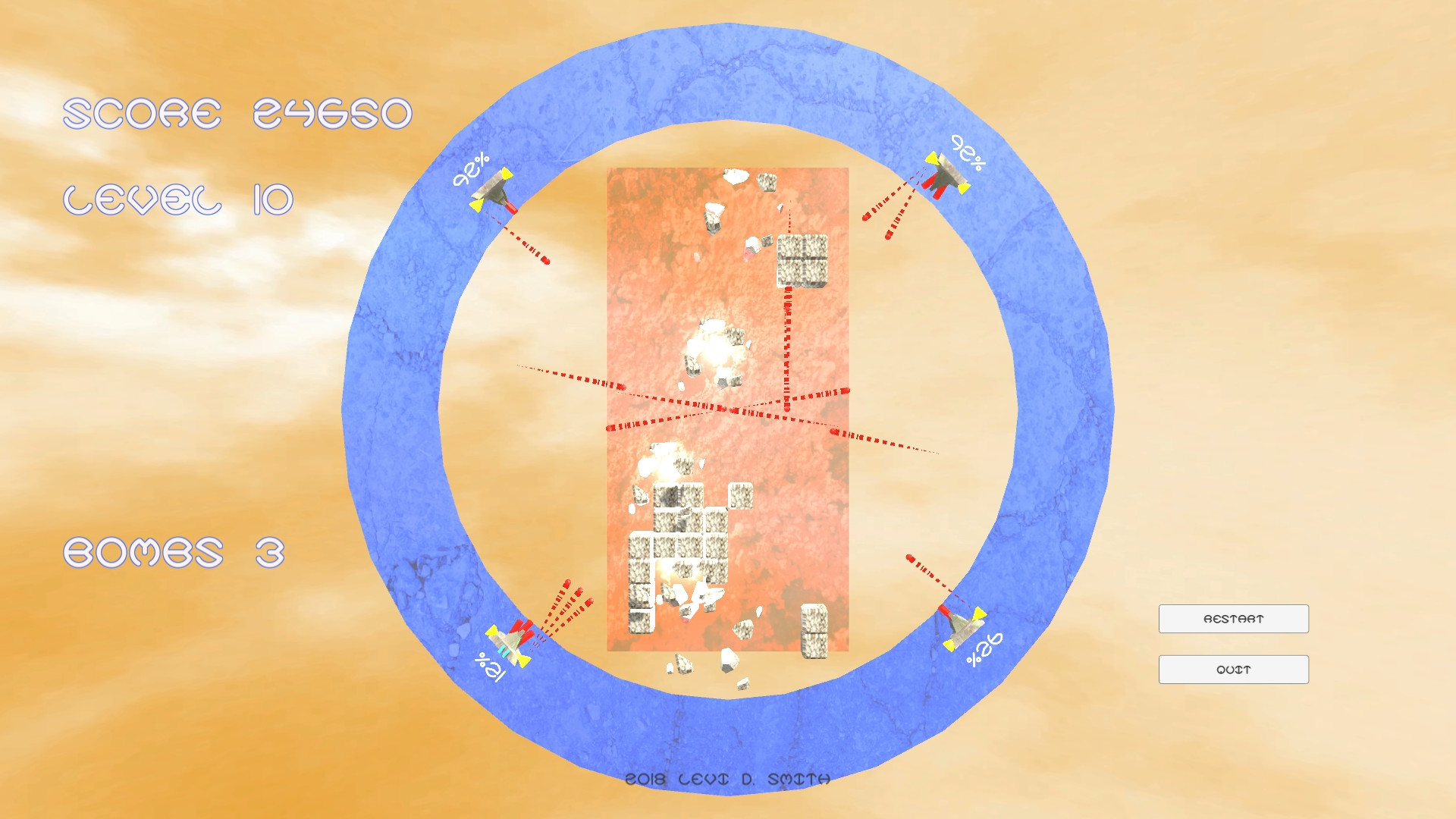 I also wanted to have the skybox change color as the player progressed through the game. I couldn’t figure out how to get a handle on the color of the skybox. Overall the game just like it has too much orange. I probably should have made the score text, level text, and bomb display be larger and a different color. The 3D text model on the title screen could have been a different color as well, because it’s really hard to read especially in thumbnails.
I guess that’s it. I used to say that the day when I didn’t learn anything new, I would stop making games. There are some new things that I do want to learn in Unity, like the new shader interface. I just feel like I’ve moved out of the learning phase and into the making things more efficiently phase.